EasyManua.ls Logo

Paillard M8 - Page 9

Default Icon
21 pages
Print Icon
To Next Page IconTo Next Page
To Previous Page IconTo Previous Page
Loading...
I.
Mains
supply
voltage
Take
the projector out
of
its
case
and
check that the operating switch 20
is
on
"Stop."
Before
commencing
operations,
it
is
necessary
to
find
out
the
voltage
of
the
local mains supply.
As a rule,
this
voltage
is
already
known.
If
this
is
not
the
case,
the
electric
light
bulb
in
the
room
in
which
the
projector
is
to
be used
should
be
unscrewed;
the
mains
voltage
will usually be found
marked
somewhere
on
the
bulb, in
volts
(or
"V").
A
better
method
is
to
examine
the
nearest
electric
light
meter,
on
which
precise
information
about
the
type
of
current
supplied-which
will
be
either
alternating
(A.C.
or
~)
or
direct
(D.C.
or
=
)-and
the
mains
voltage
(in volts) will
be
found.
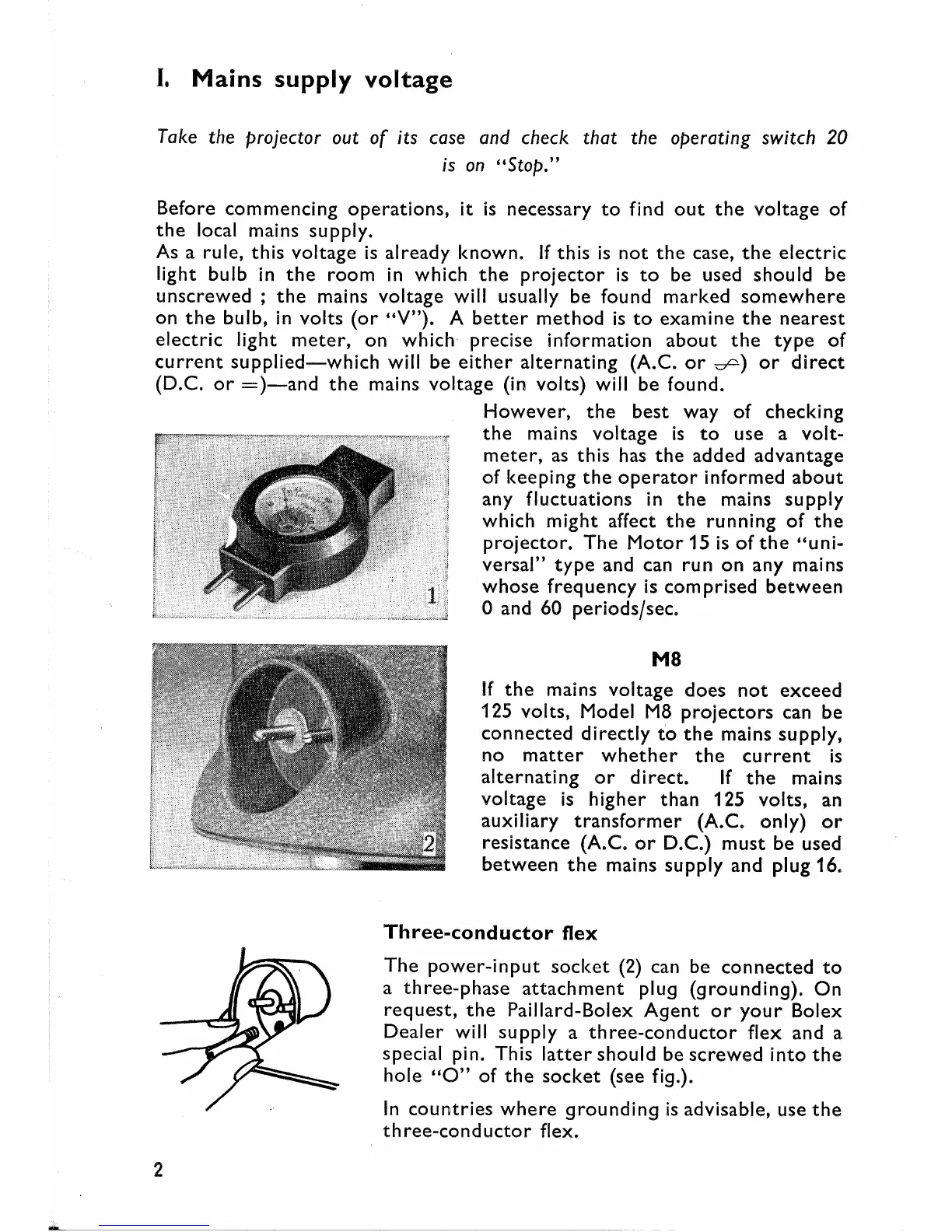
However,
the
best
way
of
checking
the
mains
voltage
is
to
use
a
volt-
meter,
as
this
has
the
added
advantage
of
keeping
the
operator
informed
about
any
fluctuations
in
the
mains
supply
which
might
affect
the
running
of
the
projector.
The
Motor
15
is
of
the
"uni-
versal"
type
and can
run
on
any mains
whose
frequency
is
comprised
between
oand 60
periods/sec.
M8
If
the
mains
voltage
does
not
exceed
125
volts,
Model
M8
projectors
can
be
connected
directly
to
the
mains supply,
no
matter
whether
the
cu
rrent
is
alternating
or
direct.
If
the
mains
voltage
is
higher
than
125
volts,
an
auxiliary
transformer
(A.C. only)
or
resistance
(A.C.
or
D.C.)
must
be
used
between
the
mains
supply
and
plug 16.
Three-conductor
flex
The
power-input
socket
(2) can be
connected
to
a
three-phase
attachment
plug
(grounding).
On
request,
the
Paillard-Bolex
Agent
or
your
Bolex
Dealer
will
supply
a
three-conductor
flex
and
a
special pin. This
latter
should
be
screwed
into
the
hole
"0"
of
the
socket
(see fig.).
In
countries
where
grounding
is
advisable, use
the
th
ree-cond
uctor
flex.
2