23/49
操 作 仕 様 書
Operation
Specification
マニュアル
チューニング
Manual Tuning
3
AMモード
AM Mode
4
オート
チューニング
Automatic
Tuning
AM、FMモード時
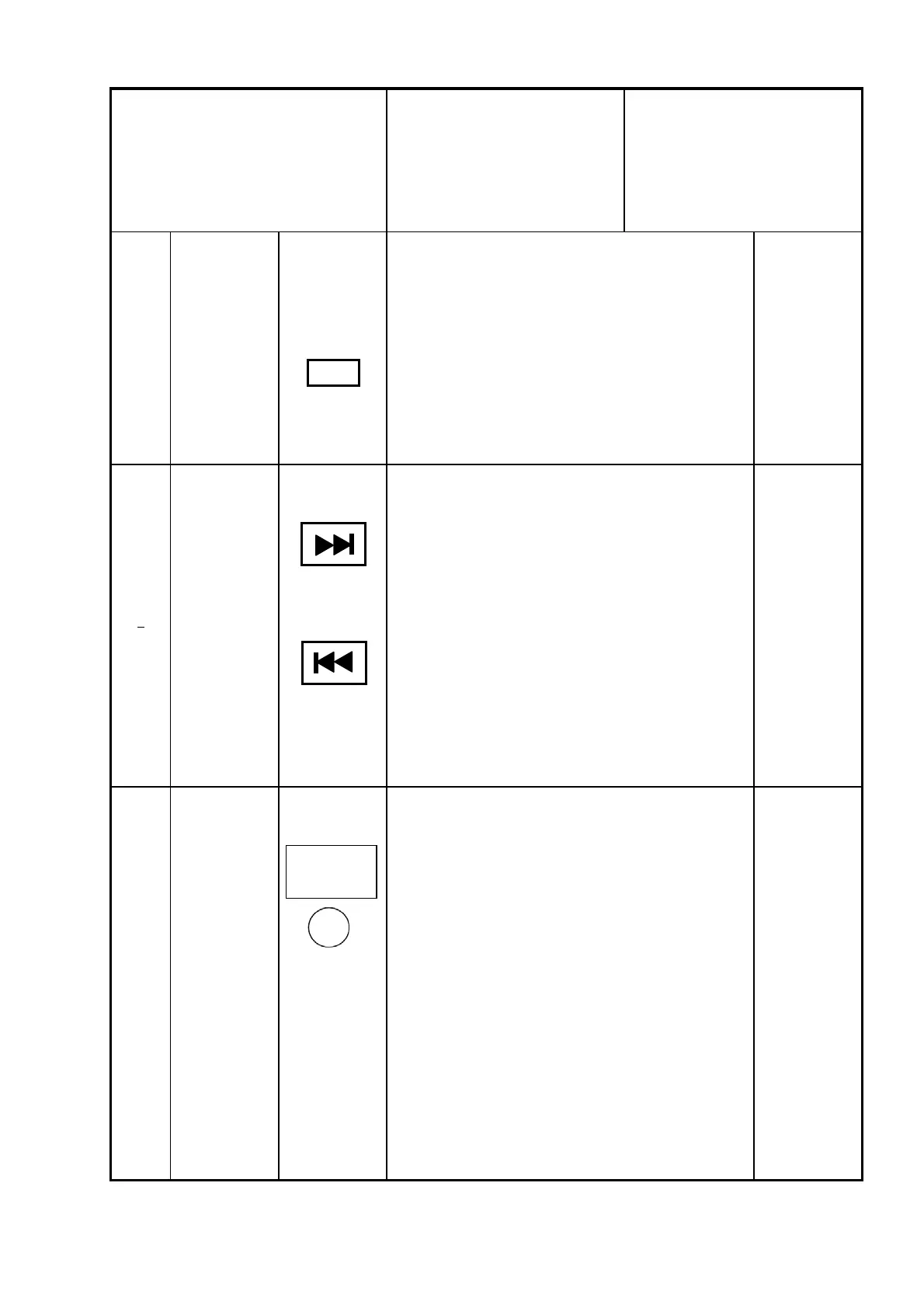
・②を右に回すと1クリック毎に周波数がSTEP UPする。(時
計回り)
・②を左に回すと1クリック毎に周波数がSTEP DOWNする。
(反時計回り)
When the AM mode or FM mode.
・② is turned to the right , frequency will rise for every
click
・② is turned to the left , frequency will be downed for
every click
例/Example
5
例/Example
例/ExampleAM、FMモード時
・⑮を押すことによりSEEK UP動作を行う。
→局有りで停止し、キープする。
・⑯を押すことによりSEEK DOWN動作を行う。
→局有りで停止し、キープする。
When the AM mode or FM mode.
・ Push button ⑮ once to start the upward SEEK
operation.
→The SEEK stops where there is a broadcasting
station, and holds on to it.
・ Push button ⑯ once to start the downward SEEK
operation.
→The SEEK stops where there is a broadcasting
station, and holds on to it.
・ AMモード時以外、⑫を押すことによりAMのラストモードに
切替わる。
(ラストモードがAMの場合)
・ PWR OFF時⑫を押すことによりAMのラストモードとなる。
(ラストモードがAMの場合)
・It switches to last mode of AM by pushing ⑫ without
AM mode.
(When last mode is AM)
・It becomes last mode of AM by pushing ⑫ at the time of
the POWER OFF.
(When last mode is AM)
AM
SCROLL TUNE
and
ENTER SETTING
パナソニック株式会社 / Panasonic Corporation



 To Next Page