45/49
操 作 仕 様 書
Operation
Specification
例/Example
Phone
↓
Phonebook
↓
Add Entry
↓
Manual Input
↓
*******
↓
Record name
↓
Listening
↓
*******
↓
Confirm
↓
stored
↓
Phonebook
例/Example
Phone
↓
Phonebook
↓
Speed Dial
↓
*******
↓
Push 1-6 Key
↓
SpdDial*
↓
Phonebook
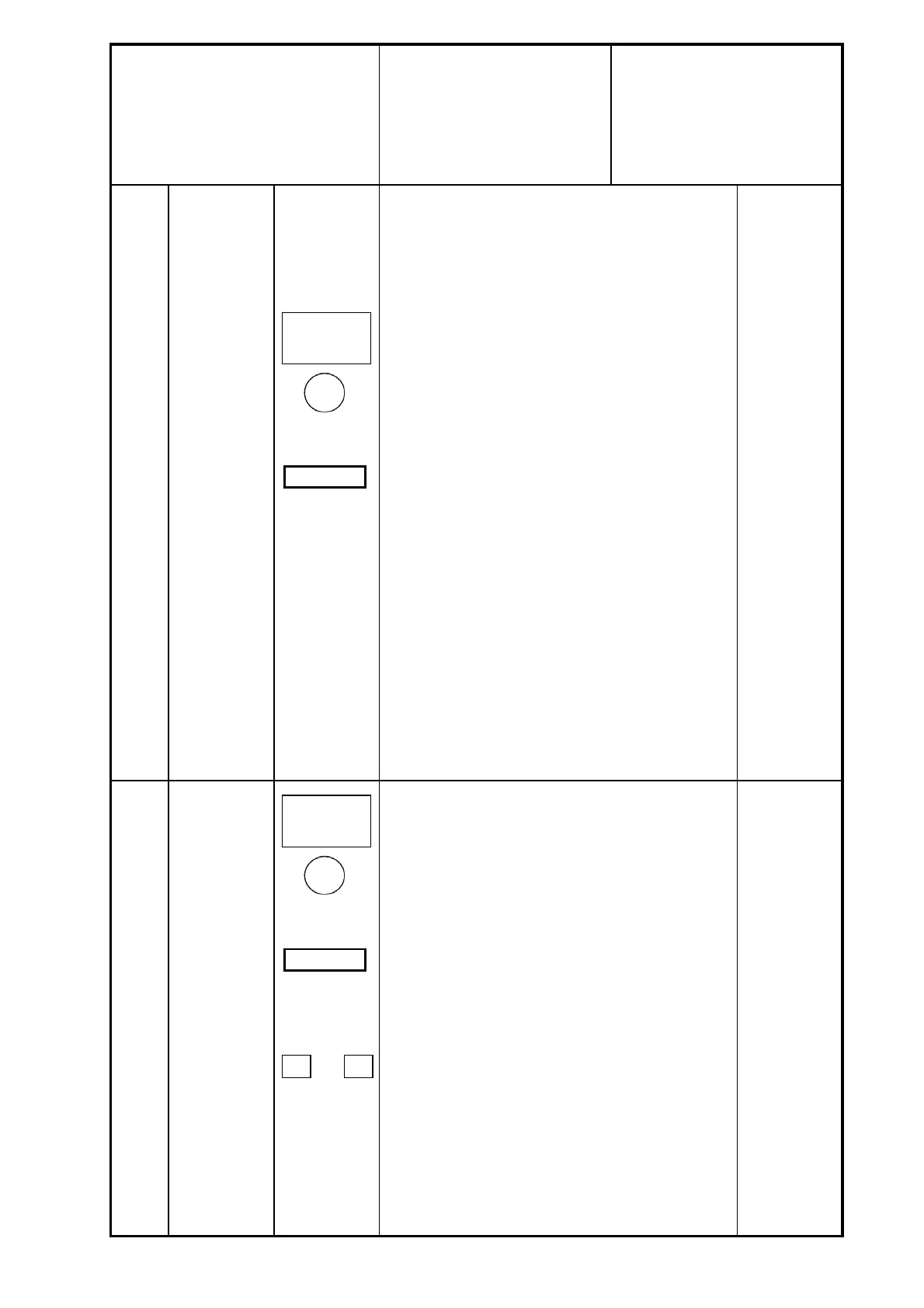
・ST⑦を押しハンズフリーモードへ移行する。"Phone"が表示され
る。
・②を反時計方向に回して、"PhoneBook"を選択し、②を押して
決定する。
・②を反時計方向に回して、"Add Entry"を選択し、②を押して決
定する。
・②を反時計方向に回して、"Manual Input"を選択し、②を押して
決定する。
・②を反時計方向に回して、"Number: *"の数字を変更し、②を押
して決定する。
電話番号の入力が完了した時、②を再度押して決定する。
・②を押すと "Record Name"が表示され、再度②を押すと、音声
認識モードに入る。
・音声認識モード中に、マイクを使用して、登録したい名前を発生
し、その名前を登録する。
・②を押すと Confirm"が表示され、再度②を押して決定する。”
Phone number stored"が表示される。
・ST⑥を押して、設定モードから抜ける。
・When ST⑦ is pushed, it shifts to a hands-free mode. "Phone"
is displayed.
・② is turned counter-clockwise and "Phonebook" is displayed.
It is decided that ② is pushed.
・② is turned counter-clockwise and "Add Entry" is displayed. It
is decided that ② is pushed.
・② is turned counter-clockwise and "Manual Input" is displayed.
It is decided that ② is pushed.
・② is turned counterclockwise, and the value of "Number:*" is
changed. It is decided that ② is pushed.
When the input of the telephone number is completed, it is
decided that ② is pushed again.
・② is pushed and "Record Name" is displayed, and it becomes a
voice recognition mode by pushing ② again.
・Utter the name that registers in the voice recognition mode
with a microphone. The name is registered.
・② is pushed and "Confirm" is displayed, and it is
decided that. ② is pushed again.
"Phone number stored" is displayed.
・It comes off a setting mode by pushing ST⑥.
・ST⑨を押しハンズフリーモードへ移行する。"Phone"が表示され
る。
・②を反時計方向に回して、"PhoneBook"を選択し、②を押して
決定する。
・②を反時計方向に回して、"Speed Dial"を選択し、②を押して決
定する。
・②を反時計方向に回して、短縮登録したい電話番号を選択し、
②を押して決定する。
・③~⑧を押すと、押下したプリセット釦に登録される。"Spd
Dial*"と表示される。
・プリセットにすでにダイアル情報が登録されている場合は"Over
write?"と表示される。②を押して書替えを行う。
・ST⑥を押して、設定モードから抜ける。
・ST⑦ is pushed and it shifts to a hands-free mode. "Phone" is
displayed.
・② is turned counter-clockwise and "Phonbook" is displayed. It
is decided that ② is pushed.
・② is turned counter-clockwise and "Speed Dial" is displayed.
It is decided that ② is pushed.
・② is turned counter-clockwise and the phone number
registered in Speed Dial is selected. It is decided that ② is
pushed.
・It is registered in the pressed preset button from ③ to ⑧.
"Speed Dial*" is displayed.
・When dial information already is registered in preset, it
displayed "Over write?".② is rewritten pushing.
・It comes off a setting mode by pushing ST⑥.
電話帳の登録
Registration of
telephone book
3
4
スピードダイア
ル
書き込み
Speed dial
writing
SCROLL TUNE
and
ENTER SETTING
Off Hook
※ステアリングSW
※Steering SW
SCROLL TUNE
and
ENTER SETTING
Off Hook
※ステアリングSW
※Steering SW
1
~
6
パナソニック株式会社 / Panasonic Corporation


 To Next Page
 Loading...