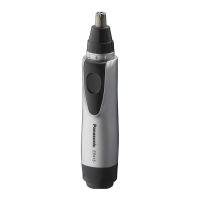
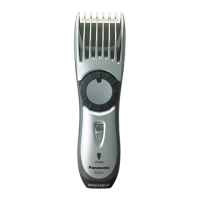
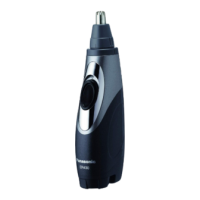
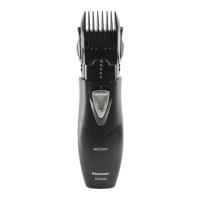
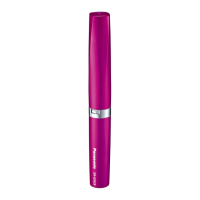
Parts identification (Fig. 1)
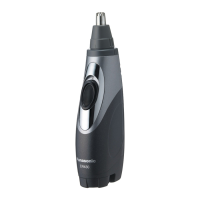
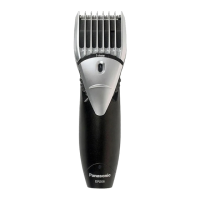
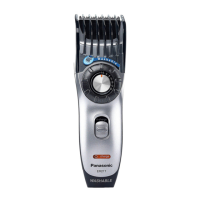
о Protective cap
Ө O uter blade
Ө Inner blade
ө Sha ft
Ө Power sw itch [0/1]
ө B a ttery cover
© Cleaning brush
Installing or replacing the battery
1. Remove the protective cap. (Fig. 2)
2. Rotate the battery cover in the direction of the
arrow, and align the m arks. (Fig. 3)
3. Remove the battery cover. (Fig. 4)
4. Inse rt the battery. (Fig. 5)
• Be careful to insert the battery w ith + and -
correctly oriented.
5. Rotate the battery cover in the direction of the
arrow, and align the m arks. (Fig. 6)
7
English


 To Next Page