136
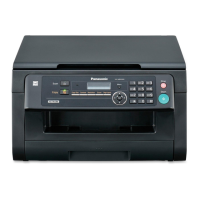
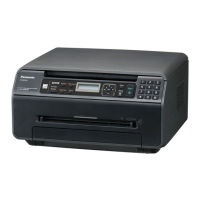
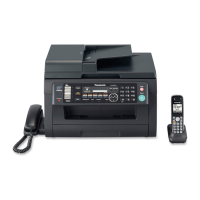
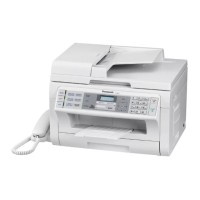
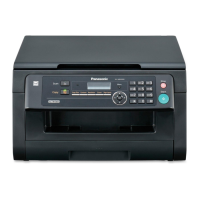
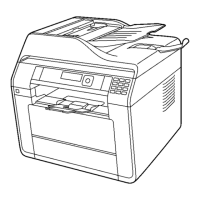
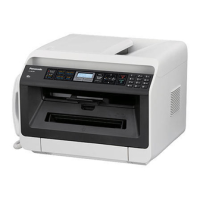
KX-MC6020HX
8 Installation Instructions
8.1. Installation
8.1.1. Toner Cartridge and Drum Cartridge
The supplied toner cartridge is a starter toner cartridge.
Caution:
• Read the following instructions before you begin installation. After you have read them, open the drum cartridge pro-
tection bag. The drum cartridge contains a photosensitive drum. Exposing it to light may damage the drum. Once you
have opened the protection bag:
— Do not expose the drum cartridge to light for more than 45 seconds.
— Do not touch or scratch the green drum surface at the bottom of the drum cartridge.
— Do not place the drum cartridge near dust or dirt, or in a high humidity area.
— Do not expose the drum cartridge to direct sunlight.
• Do not leave the toner cartridge out of the protection bag for a long time. It will decrease the toner life.
• We cannot be responsible for any damage to the unit or degradation of print quality which may occur from the use of a
non-Panasonic toner cartridge and drum cartridge.
• Do not add toner to the toner cartridge.
1.
Open the front cover (1) by holding the center part.
2.
Unlock the drum cartridge cover by pushing the tabs (2) in the direction
of the arrows.



 To Next Page
 Loading...