368
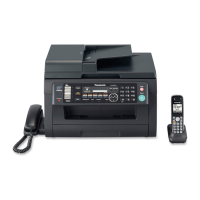
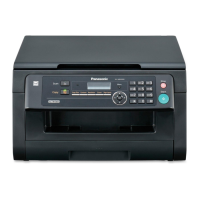
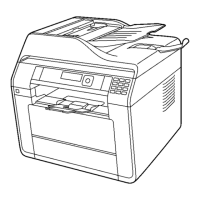
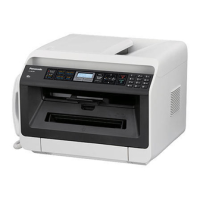
KX-MC6020HX
16.2.3. Cleaning the paper chute
• For clarity, the handset unit is not shown in the illustrations. However, all procedures can be performed with the handset unit
installed.
Clean the paper chute inside the unit when a line or a dirty pattern appears at the top or bottom of your recording paper.
1.
Turn the power switch OFF.
2.
Push the left cover open lever (1) upward, then pull open the left cover
(2).
Note:
• Do not touch the rollers (4).
3.
Clean the paper chute (5) with a dry paper towel or tissue.
Note:
• Do not touch the black belt (6), or rub it strongly.



 To Next Page
 Loading...