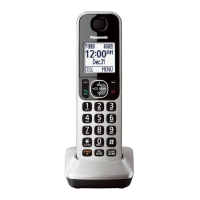
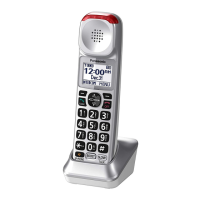
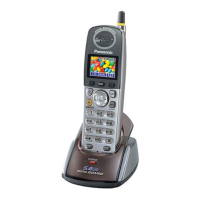
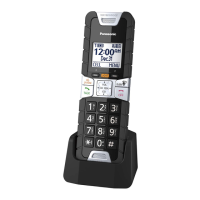
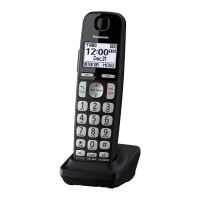
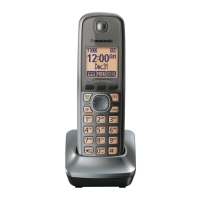
Feature differences
b
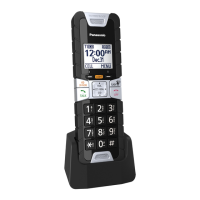
etween your original
handset and KX-TGTA61
n Following functions or operations may
be different between your original
handset and KX-TGTA61.
– Call block (page 12)
– Automated call block (page 13)
– Intercom, Transferring calls, conference
calls (page 14)
– Power backup operation (This handset is
not compatible.)
n Following functions can be used with
KX-TGTA61.
– Handset noise reduction
*1
(page 14)
– Handset equalizer (page 14)
– Auto intercom (page 14)
– Baby monitor (page 14)
– Alarm (Memo alarm) (page 16)
– Intercom ringer volume/Intercom ringer
tone (page 17)
– Change the handset name (page 17)
– Displaying the handset name (page 17)
*1 This feature is not available for
KX-TGE660/KX-TGE670 series and
KX-TG885SK.
Call block
D
epending on your unit, following operation
and display may be different.
Storing unwanted callers
I
f your unit is not available for “Block range
of numbers”, you need to press MSELECTN
after step 1 in “By entering phone numbers”.
Blocking incoming calls that have no
p
hone number
Your original
h
andset
KX-TGTA61
Block w/o num Block unknown
C
ID
Your original
h
andset
KX-TGTA61
On Block
Off Unblock
Blocking incoming calls that have no
p
hone number
Your original
h
andset
KX-TGTA61
First ring One ring for
b
locked call
On Yes
Off No
For users with MC
ALL BLOCKN
button on the original handset
There is no MCALL BLOCKN button on
KX-TGTA61 and you need to change the
operating procedure instead of pressing
MCALL BLOCKN.
To disconnect the current call and
a
dd a phone number to the call block
list
1
n When an outside call is being
received
or
When an outside caller’s message
is being recorded:
Press MBLOCKN (right soft key) on the
handset.
n When you are talking on an outside
call:
MMENUN a MbN: “Call block” a
MSELECTN
2 Confirm the call block number and press
MYESN.
Adding call blocked numbers from
t
he caller list
Please change the operating procedure in
step 3 instead of pressing MCALL BLOCKN
12
For assistance, please visit http://shop.panasonic.com/support
Feature differences

 To Next Page
 Loading...