Basic
- 35 -
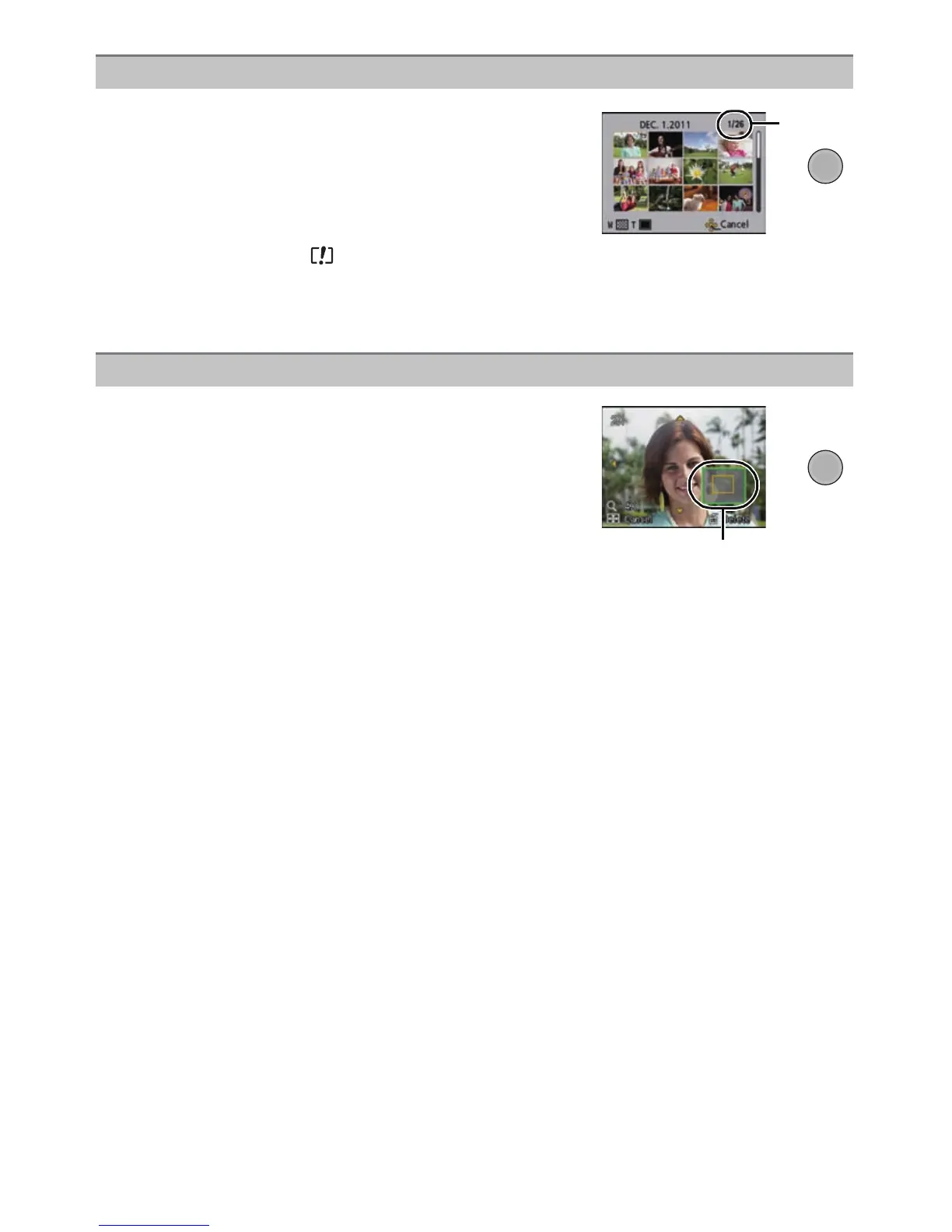
Press [W] of the zoom button.
1 screen>12 screens>30 screens>Calendar screen
display
A Number of the selected picture and the total number of
recorded pictures
• Press [T] of the zoom button to return to the previous screen.
• Pictures displayed using [ ] cannot be played back.
∫ To return to Normal Playback
Press 3/4/2/1 to select a picture and then press [MENU/SET].
Displaying Multiple Screens (Multi Playback)
Using the Playback Zoom
Press [T] of the zoom button.
1k>2k>4k>8k>16k
•
When you press [W] of the zoom button after enlarging the
picture, the magnification becomes lower.
• When you change the magnification, the zoom position
indication B appears for about 1 second, and the position of
the enlarged section can be moved by pressing 3/4/2/1.
• The more a picture is enlarged, the more its quality
deteriorates.


 To Next Page
 Loading...