I"'
[1]
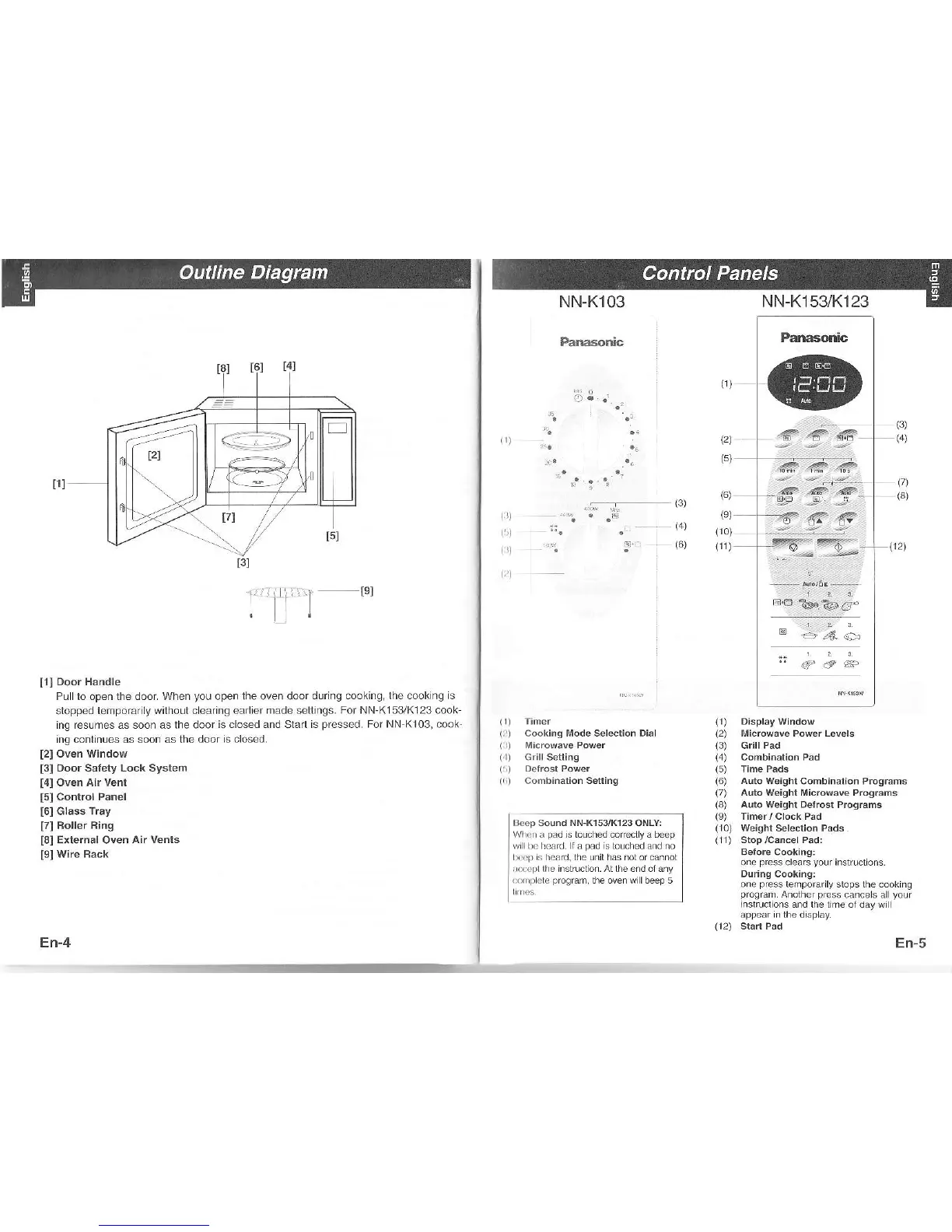
Door Handle
PL I lo open the door. When
you
open
the
oven door
du ng cooking, lhe cook ng is
stopped lemporarily without c earing ean er
made seltjngs. For NN-K153/K123 cook
ing fesLrmes as soon as lhe door
is closed and Slad is
presse{].
For NN K]03, cook
ing conlinues as soon as the door
is closed.
[2]
oven window
t3l
ooor Salety Lock System
t4l
oven Air Venl
t5l
control Panel
[6]
Glass
rray
[7]
Boller Ring
[8]
Exlernal
Oven
Air vents
[9]Wire
Back
En-4
--
En-5
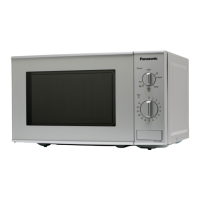
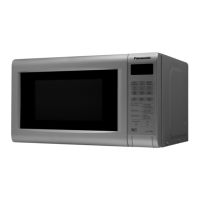
NN-K103 NN-K153/K123
Fanasonic
Panasonb
@
:'
-
t3)
i;
(+,
t6l
#-e
€F
(5)
(2)
(6)
(e)
(10)
(rr)
(7)
(3)
f
""e*
,ö6
tr
t:;S
r:-
1:
I
Cooking lrode Selection Dial
1
rl
Nlicrowave Power
i
I
cohbination Setring
llccp Sound NN-K153,/K123 ONLY:
Wlnn a
pad
is touched corcctyabeep
w lln heard lä
päd
stouched dnd no
n{1)
s Ead.lhe unil has nol of.ä.not
ilcpl
llie inslructon. At the end ol a.y
!r
nf ) cle
progfam,
the oven w lbeep 5
(1)
Display
Window
(2)
Llicrowave Power Levels
(3)
GillPad
(4)
combinärion Pad
(6) Aulo weighr
Combinalion Programs
(7)
Auto Weighr Microwäve Programs
(8)
Auto
Weiqhr Delrost Programs
(9)
Timer/Clock Pad
(10)
weighl
Sebcrion Pads.
(11)
Stop/CancelPad:
Betore Cooking:
one
press
clears
your
Instruclons
During Cooking:
one
press
lemporarly slops lhe coök ng
prögam
anolhcr
press
cancels al
your
rnstruclons and lhe lime ol däy wi
appear n llre disp ay.




 To Next Page