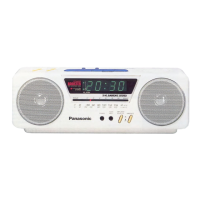
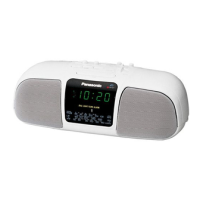
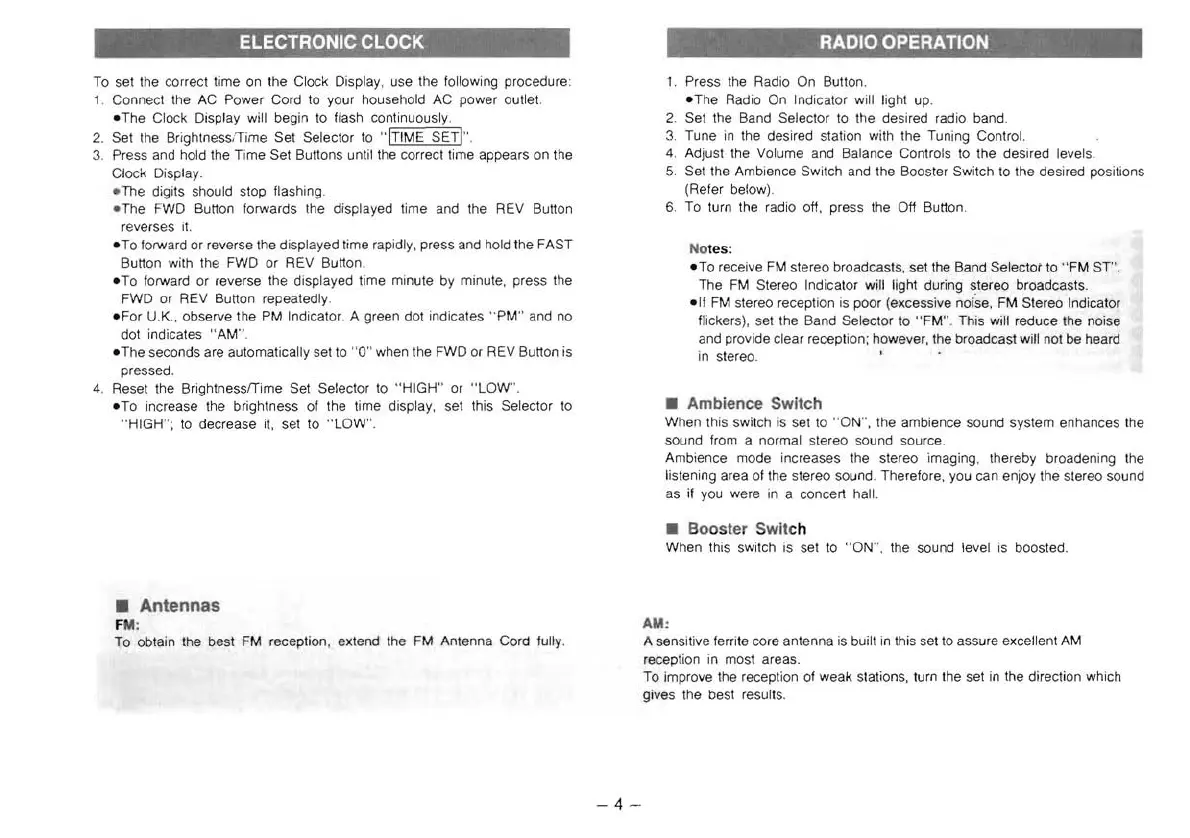
To set the correct time on the Clock Display, use the following procedure:
1 Connect the
AC
Power Cord to your household AC power outlet.
-The
Clock Display will begin to flash continuously.
2. Set the Brightness¡
Time
Set Selector to "ITIME SETI" .
3.
Press and hold the Time Set Buttons until the correct time appears
on
the
Clock Display.
-
The
digits should stop flashing .
- The FWD Button forwards Ihe displayed time and the REV Button
re
verses
it.
-To
forward or reverse the displayed time rapidly, press and hold the FAST
Button with the FWD or REV Button.
-To
forward or reverse the displayed time minute by minute, press the
FWD or REV Button repeatedly.
-For
U.K., observe the
PM
Indicator. A green dot indicates " PM" and no
dot indicates
"A
MO,
-The
seconds are automatically set to "O" when the FWD or
RE
V Button is
pressed.
4.
Re
set the BrightnessfTime Set Selector to " HIGH" or
"LOW
".
-To
increase the brightness of the time display, set this Selector to
" HIGH";
to
decrease
it,
set to
"LOW
" .
• Antennas
F
M;
To obtain the best FM reception, extend the FM Antenna Cord fully.
1.
Press the Radio On Button.
-The
Radio On Indicator will light up.
2.
Set the Band Selector to the desired radio bando
3.
Tune
in
the de
si
red station with the Tuning Control.
4.
Adjust the Volume and Balance Controls to the desired levels.
5.
Set the Ambience Switch and the Booster Switch to the desired positions
(Refer below) .
6.
To turn the radio off, press the Off Button.
Notes:
-To
receive
FM
stereo broadcasts, set the Band Selector to
"FM
ST".
The
FM
Stereo Indicator will light during stereo broadcasts.
-If
FM
stereo reception
is
poor (excessive noise, FM Stereo Indicator
flickers), s
et
the Band Selector to
"FM"
This will reduce the noise
and provide clear reception; however, the broadcast will not be heard
in stereo.
• Ambience Switch
When this switch
is
set to " ON", the ambience sound system enhances the
sound from a normal stereo
so
und source.
Ambience mode increases the ste
re
o imaging, Ihereby broadening the
listening area of the stereo sound. Therefore, you can enjoy the slereo sound
as
if you were
in
a concert hall.
•
Bo
os
ter Swit
ch
When this switch is
se
t
to
"ON",
the sound level
is
boosted .
AM:
A sensitive ferrite core antenna
is
built
in
this set to assure excellent
AM
reception in most areas.
To improl/e Ihe recepti
on
of weak stations, turn the set
in
the direction which
gil/es the best results.
-4-


 To Next Page
 Loading...