1. Selecting a Position
4
Note: Signal strength indication may be displayed either:
a. Graphically with bars, (where more bars is a better signal), or
b. As a signal level value in dBm (e.g. -80) - in this case, the lower the negative number, the better the
signal, (i.e. -71 is stronger signal than -83).
1.1.
1. Connect the antenna to your router or modem with the antenna adapter (if applicable) and coaxial
cable provided.
2. Ensure that your device is connected to the network and displaying the signal strength indicator.
3. With the antenna at selected location, rotate it in approximately 45 degree steps – in each position, you
may need to wait for up to one minute to allow the signal strength indicator to update.
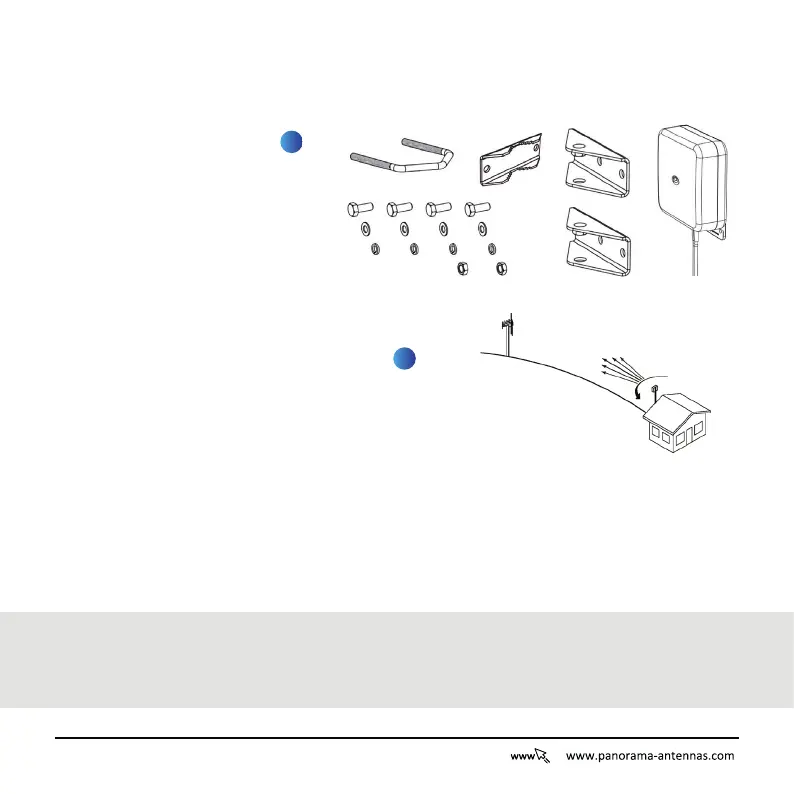
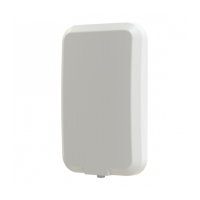
Check that all the contents are in the box - This should include:
1.2. Select Position
1
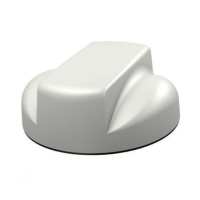
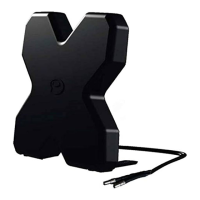
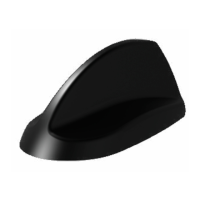
1 x Antenna
1 x Desk Stand
2 x Wall Bracket Plates
1 x U-Bolt
1 x U-Bolt Plate
2
For a good installation the antenna should
be directed towards the strongest network
signal. In order to achieve this follow the
guide below:
4 x Screws
4 x Plain Washers
4 x Spring Washers
2 x Nuts


 To Next Page