NO.3
Thank you for choosing Panoview screens. All screens
have passed the strict quality inspection before delivery.
Read this manual carefully to ensure proper usage.
Important Attention: the installation of the screen,
the electric wire connection, the setting of the limit
switches must be made by a trained engineer only.
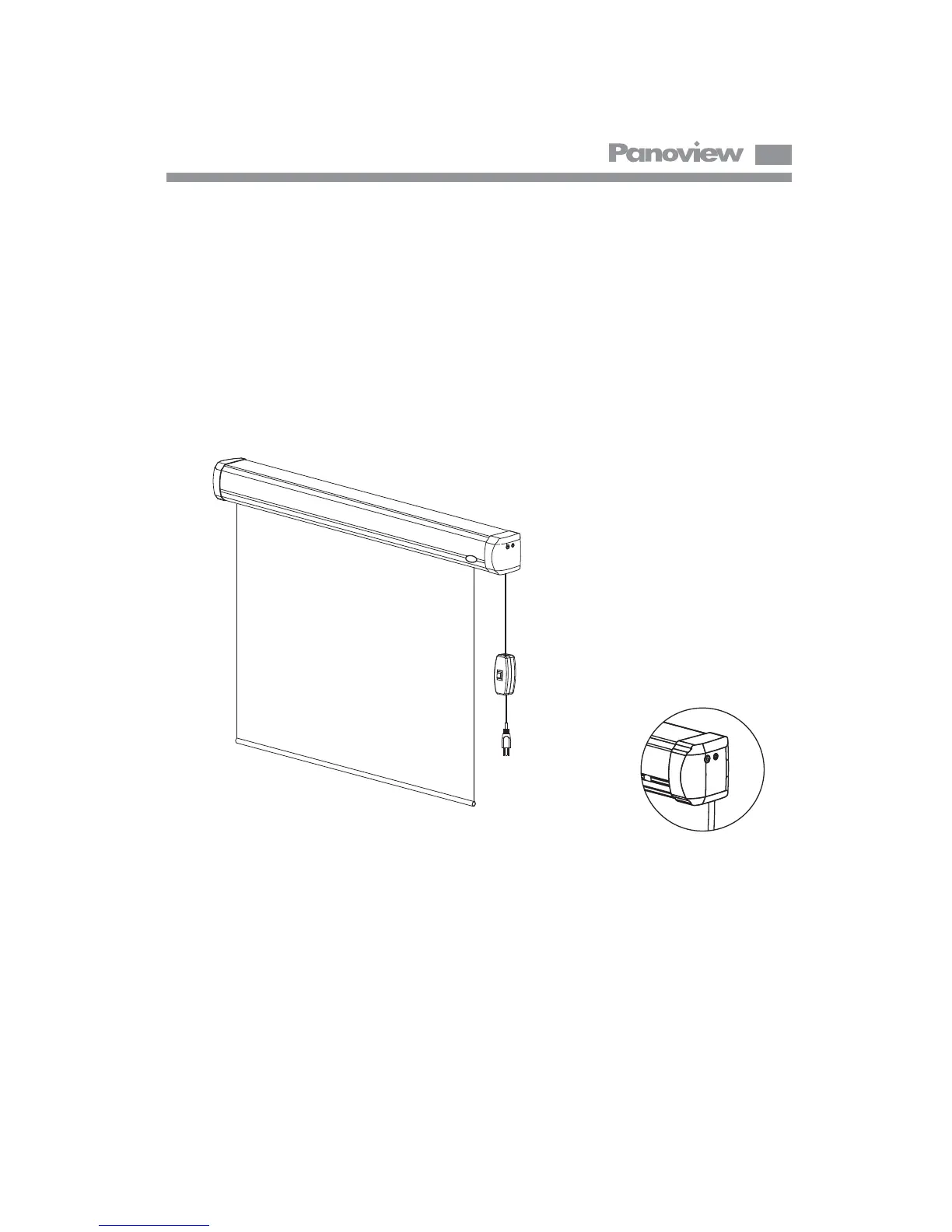
Motorized screen with IR remote control, switch control & 12v trigger port
SWITCH BOX
PLUG
SWITCH JACK
12V TRIGGER



 To Next Page