Powering Paper Jamz
To power your Paper Jamz drums, locate the power switch on the back of the drums and slide it to ON. You will hear some music! The drums will
be ready for you to select a song and mode; however, if you tap a drum, it will automatically pick Song 1 from Perfect Play Mode. To learn how to
select a different song or mode, refer to the section Modes.
Volume control
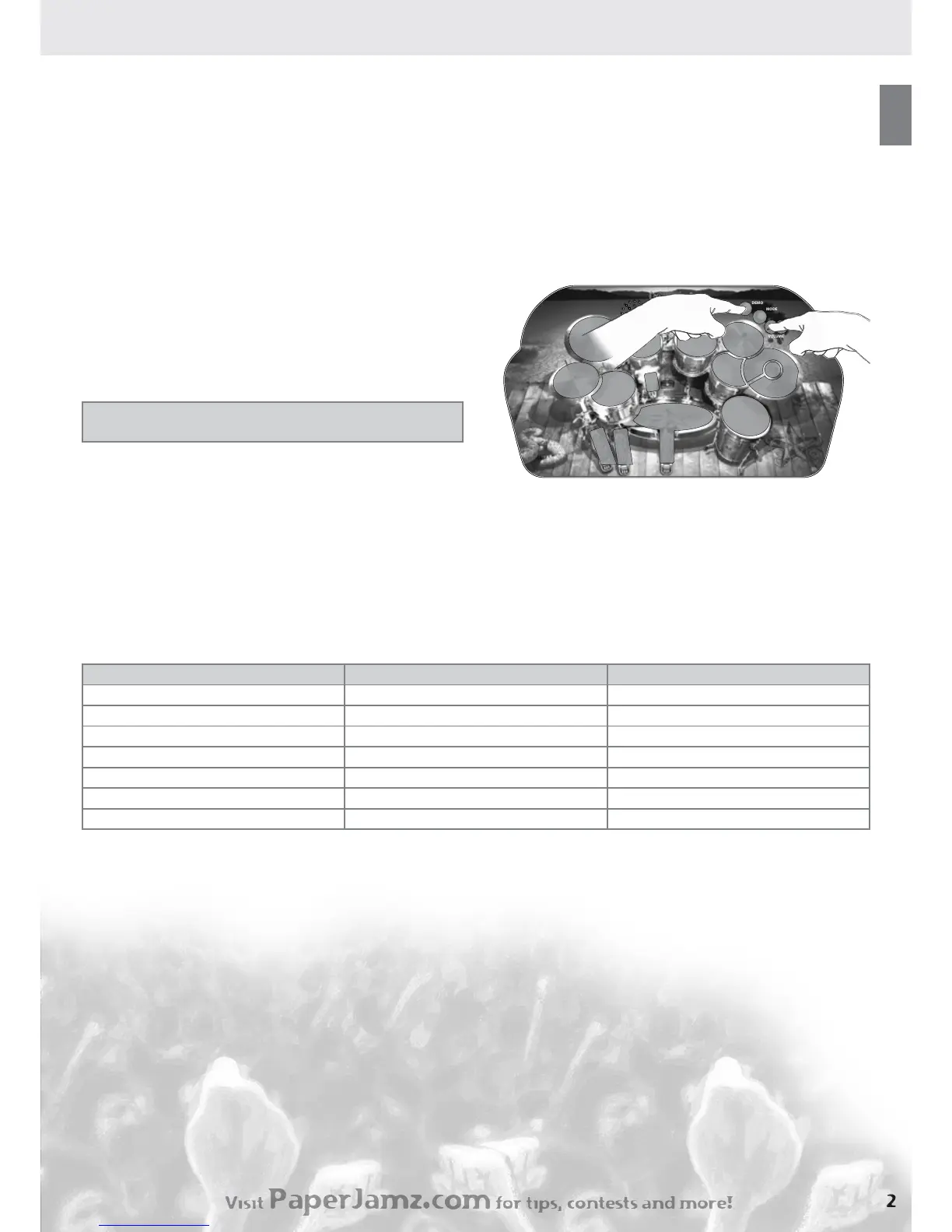
To change the volume on your Paper Jamz drums, press one of the Volume buttons. You will hear the music at the new volume and hear a sound
effect to indicate the volume is being adjusted.
Demo
To hear a demonstration of your selected song in Perfect Play or Rhythm modes, press the Demo button.
To stop the demonstration song, press the Demo button.
Tapping
To play the drums, tap the drum or cymbal surface using your ngers.
You will hear a drum sound.
TIP: Use your thumbs to tap the pedals and your ngers to play the drums
and cymbals.
NOTE: Avoid using objects to tap on the Paper Jamz drums, because
the drums might not work and could be damaged.
Modes
Paper Jamz drums has three main modes:
Perfect Play •
Rhythm •
Freestyle•
To activate a mode, press the Mode button, and you will hear a bell sound to indicate the Mode button is active. Then, tap one of the
corresponding drum or cymbal surfaces as outlined in Table1 (below). The Mode button will deactivate and you will hear a low drum sound if you
press any of the following: Mode button again, a drum/cymbal with no function or Demo button. You will hear a sound when the mode has been
activated and song selected.
Table 1
Mode/Function First press: Then tap:
Perfect Play — Song 1 Mode Ride
Perfect Play — Song 2 Mode Tom 3
Perfect Play— Song 3 Mode Tom 4
Freestyle Mode Bass
Rhythm mode — Song 1 Mode Cymbal 2
Rhythm mode — Song 2 Mode Tom 2
Rhythm mode — Song 3 Mode Tom1
Stopping or changing the song
To stop the song during Perfect Play or Rhythm modes, press the Demo button. You can start again by tapping any drum or cymbal.
Perfect Play Mode
In this mode, you must tap along to the song to hear the drum track. To start the song once you have selected it, tap on one of the drums or
cymbals. The song will start with a drum count-in. The drum track will play as long as you tap on the drum set. You control when the drums play!
During any song, you can select any combination tracks you want to hear. Refer to Karaokemenu on page 3 to learn how to select certain
tracks to mute.
TIP: Tap to the beat every other beat to make the drum track play continuously.
Rhythm Mode
In this mode, you can create your own drum sounds! You control the beats and rhythm of the drums accompanying the included hits.
Freestyle Mode
In Freestyle mode, you can play drums solo without the background music. Try playing the drums using different Drum Kits to change the sound
of the drums!
Sleep Mode
If you do not play the drums or press any function buttons for about ve minutes, the drums will enter sleep mode. To wake it, turn the drums off
and then on again.



 To Next Page
 Loading...