example,
this player took 37.5 seconds
to
complete
a game.
c)
Beeping. Your
score will
be
displayed
for
just a
second or
so.
Then the
screen will
go
blank, and you'll hear a "beep"
every few
seconds. This "beep" is an
energy-saving
reminder that the unit is still turned ON. The
"beep"
will continue either until you start to
play again or until you turn the
unit OFF.
6.
Playing another game
a)
Same game. To
play the same
game, simply
press STARTand
you'll
be
ready to
begin.
b)
Different game. To
play
a
different game—
or even a
different version of the game you
just played—first press
SELECTuntil its
number appears; then press STARTand
you'll be ready to
begin.
7.
Special features
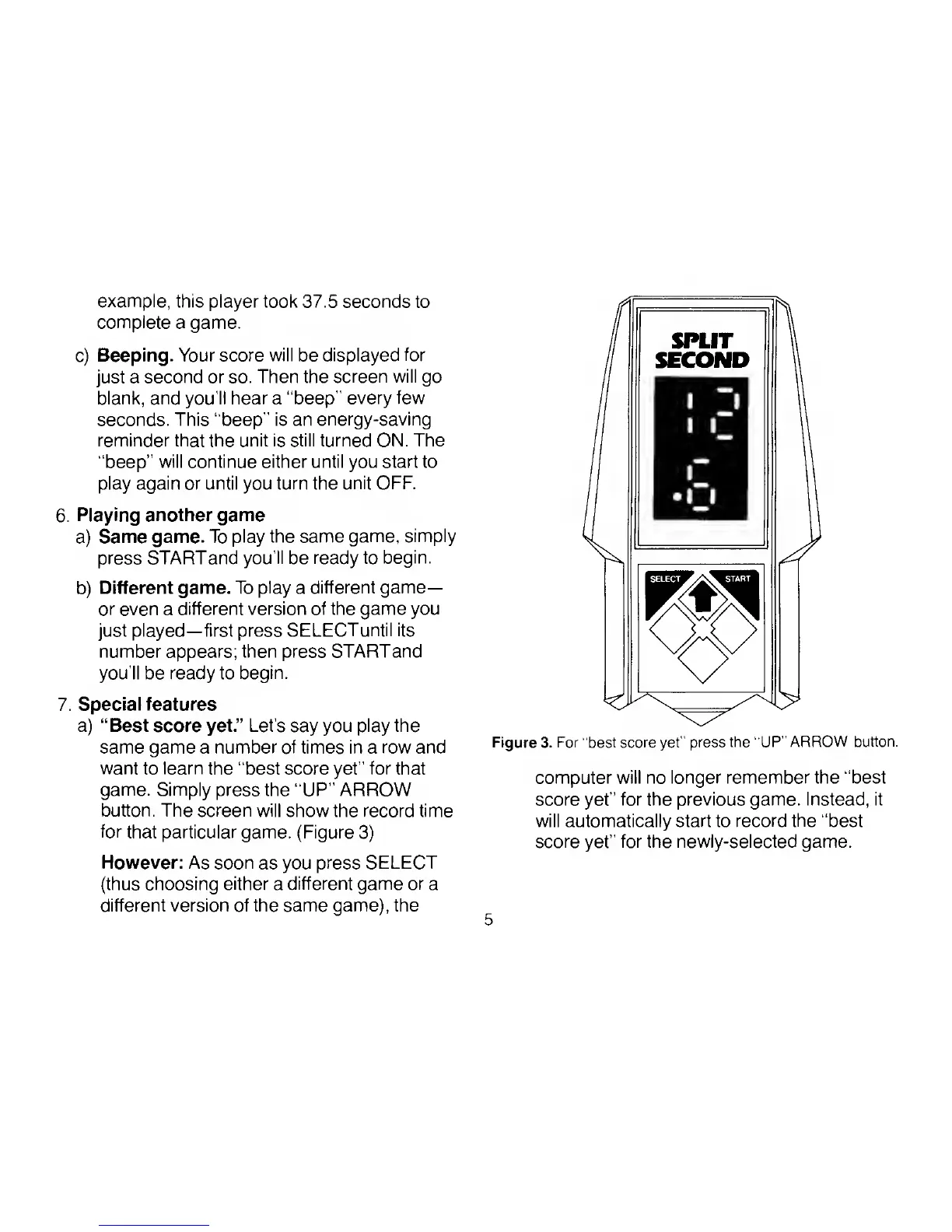
a) "Best score yet." Let's
say you
play the
same game a number of times in a row and
want
to
learn
the "best score yet" for that
game. Simply
press the "UP " ARROW
button. The screen will
show the record time
for
that particular game. (Figure
3)
However: As soon
as you
press SELECT
(thus choosing
either
a
different game or
a
different version of the same game), the
Figure 3. For "best score yet" press
the "UP"
ARROW button.
computer will no longer remember the "best
score yet"
for the previous game. Instead, it
will automatically start to
record the
"best
score
yet"
for the newly-selected game.


 To Next Page
 Loading...