05
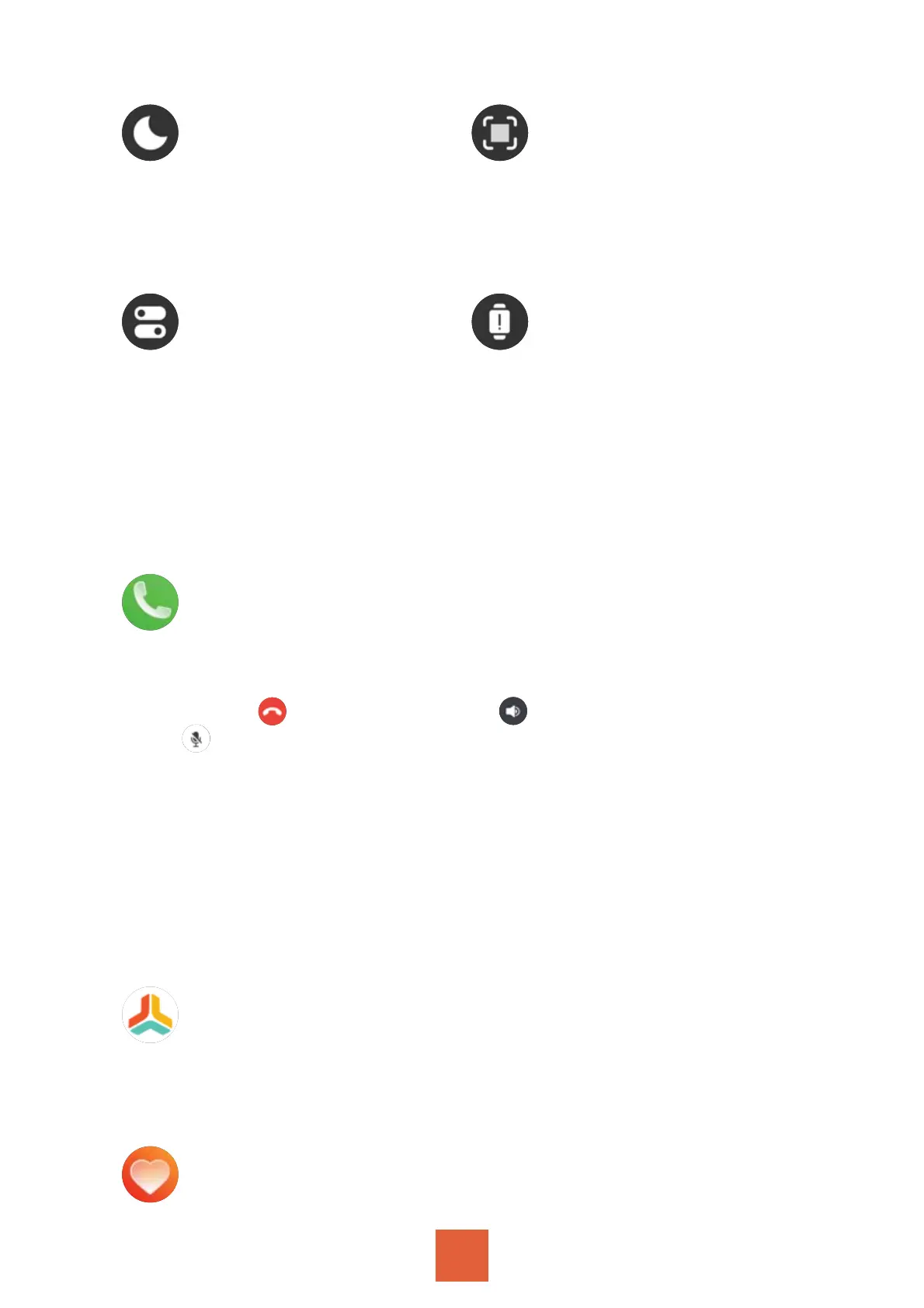
Do not disturb QR Code
System Info
Set the start time and end
time of “Do not disturb”
mode.
Scan to connect to the
watch or download the
APP.
“Reboot”, “Power off”, “Re-
set” the watch.
Check “Device name”,
“Device version”, “Bluetooth
address”.
Press the side button to enter the menu to see
more functions when the screen is on
You can select “Contacts” or use “Dial Pad” to dial calls.
And you can check “Call Logs” on the watch.
Note:
Click to hang up, click to adjust the volume,
click to turn on/off microphone. The other party can
hear you when the microphone is on, but cannot hear
you when the microphone is off.
Contact Person setting
Open the app - Click the third small icon “Device” at the
bottom - Click “Bluetooth Call” - Click “Sync Contacts” -
Click “Open” - on the App “GloryFit” Would Like to Access
Your Contacts that pops up and select “OK” to sync
contacts to the watch.
Call
Daily Exercise
Swipe down on the interface can check “Calories”, “Dis-
tance”, “Steps”(Step details and Weekly data).
Heart Rate


 To Next Page