COPYRIGHT-Partners IT Limited
Connecting Mice and Keyboards via USB:
1. Connect the mouse to one of the USB ports on the back of your computer.
2. Connect the keyboard to one of USB ports on the back of your computer.
HOW TO CONNECT YOUR COMPUTER TO THE MAINS PLUG SOCKET:
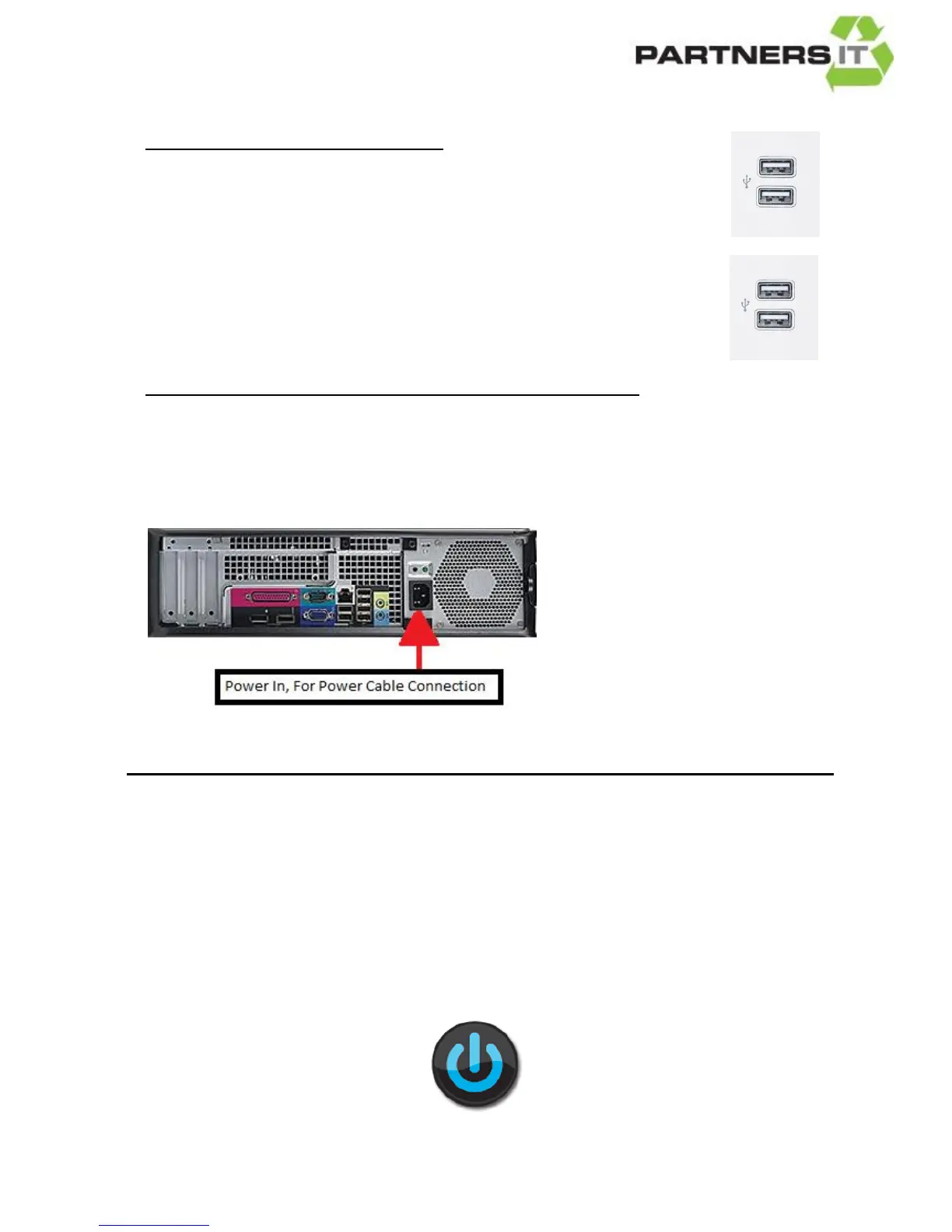
Connect the Power Cable (Picture E above) into the power socket on the back of the
computer (see picture below) plug the other end into a mains plug socket.
You are now ready to use your computer.
Turn on your plug socket and press the power button
on your computer and your screen.



 To Previous Page