EasyManua.ls Logo

Patron D-160 - User Manual

Patron D-160
15 pages
Print Icon
To Next Page IconTo Next Page
Loading...
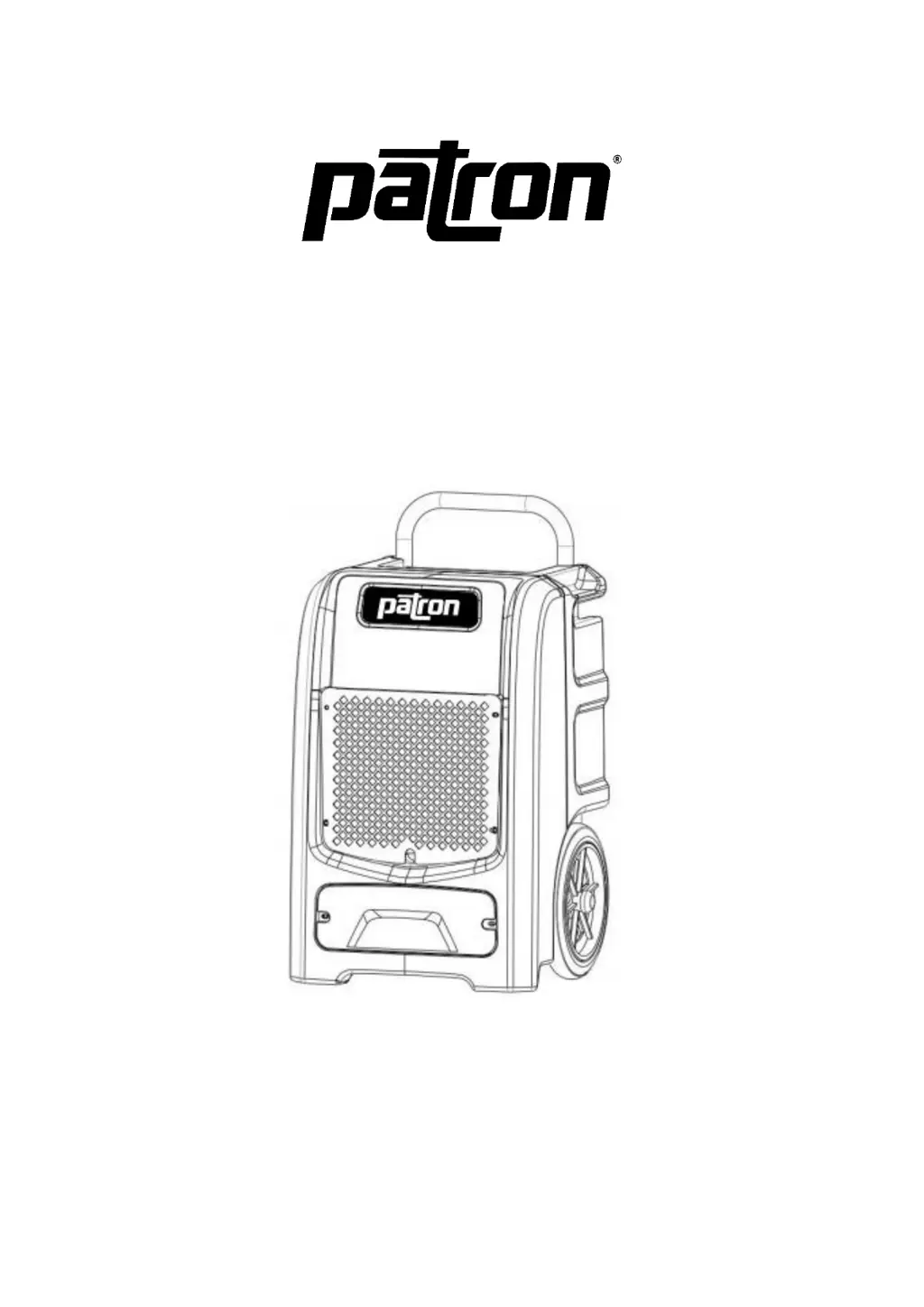
D-160 DEHUMIDIFIER
INSTRUCTION MANUAL
Please keep this manual for further reference

Questions and Answers

  • D
    Douglas JohnsonAug 7, 2025
    What to do if my Patron D-160 Dehumidifier shows error code E4?
    • D
      David JacksonAug 7, 2025
      If your Patron Dehumidifier displays error code E4, it indicates a water pump failure. First, make sure the drain hose isn't blocked and is properly connected to the back of the unit; the unit won't pump if the hose isn't connected. Also, check that the internal hose from the pump to the fitting isn't restricted by a clamp. If these steps don't resolve the issue, you may need to test or replace the water pump.
  • J
    John WilliamsAug 12, 2025
    How to fix error code E1 on Patron D-160?
    • A
      Austin ThompsonAug 12, 2025
      If your Patron Dehumidifier is showing error code E1, this indicates a copper head sensor failure. The suggested solution is to replace it.
  • T
    Taylor MooreAug 19, 2025
    What does error code E5 mean on a Patron Dehumidifier?
    • M
      michael96Aug 19, 2025
      If your Patron Dehumidifier displays error code E5, it means there's a 4-way valve failure. The suggested solution is to replace it.
  • M
    Mandy HintonAug 25, 2025
    What does error code E2 mean on my Patron Dehumidifier?
    • W
      woodsjessicaAug 26, 2025
      If your Patron Dehumidifier displays error code E2, it indicates an air inlet temperature and humidity sensor failure. The suggested solution is to replace it.
  • M
    Mason RichAug 31, 2025
    Why does my Patron D-160 Dehumidifier show error code E3?
    • C
      Christopher MartinezAug 31, 2025
      If your Patron Dehumidifier shows error code E3, this indicates an air outlet temperature and humidity sensor failure. The suggested solution is to replace it.

Summary

Before You Begin

Product Description

Describes the restoration dehumidifier, its refrigerant R32, and its properties.

Symbols and Safety Warnings

Explains warning symbols for flammable refrigerant and the importance of reading the manual for safety.

For Your Safety

Operational Precautions

Lists precautions to reduce risk of fire, electric shock, or injury during appliance use.

Safety Precautions on Servicing

Work Area, Refrigerant Checks & Ignition Control

Covers work area safety, refrigerant detection, fire extinguisher availability, and prohibiting ignition sources.

Ventilation and Equipment Checks

Ensures adequate ventilation and proper component checks for safe servicing of flammable refrigerant systems.

Specifications

Drawings

Operation

Power Button Operation

Details how to start and stop the dehumidifier using the power button and its standby mode function.

Timer Function

Explains how to set the start-up or shutdown timer for the dehumidifier, with a 0-24 hour range.

Humidity and Timing Adjustment

Describes using Add and Minus buttons to adjust humidity settings (5%RH steps) and timing (1-hour steps).

Manual Drainage and Indicators

Explains the Purge button for manual drainage and the Defrosting/Water Full indicators.

Display Screen and Memory Function

Details the display screen functions and the unit's memory retention after power loss.

Auto Drainage and Maintenance

Unit and Air Filter Cleaning

Provides instructions for cleaning the unit body and the air filter using appropriate methods.

Dehumidifier Storage Procedures

Outlines steps for preparing the unit for transportation or storage, including draining and stacking.

Troubleshooting Guide

Important Cautions and Contact Information

Advises immediate shutdown for malfunctions, contacting the distributor, and proper disposal of electrical appliances.

Patron D-160 Specifications

General IconGeneral
BrandPatron
ModelD-160
CategoryDehumidifier
LanguageEnglish

Related product manuals