PAX Mobile App
The free PAX Mobile App enables a wider range of temperature
settings, as well as access to dierent features like device modes,
themes, and games.
Pairing PAX 3
• Pair your device to the PAX Mobile App once, and it will automatically
connect when Bluetooth is enabled and the App is open.
• To pair your PAX 3, enable Bluetooth on your smartphone.
• Open the App and follow the step by step instructions to set up
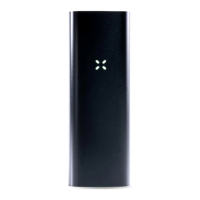
and pair your device When it’s pairing, the petals will blink in an
alternating blue diagonal pattern.
• Once the device is connected, the petals will blink in a clockwise
blue swirl, and the device will vibrate.
• To disconnect, turn o Bluetooth and the petals will blink in a
counterclockwise blue swirl.


 To Next Page