Getting Started
Setup
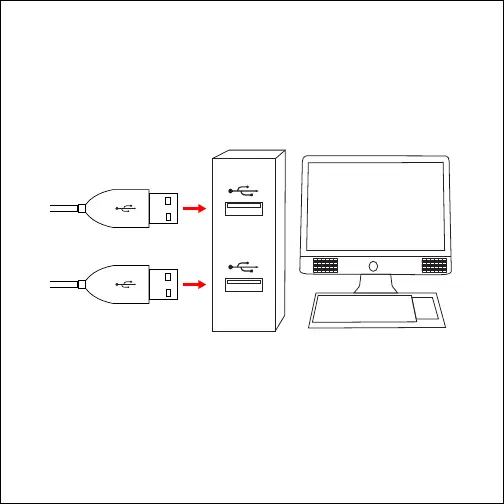
Plug the keyboard and mouse’s attached USB connectors into any of
the USB ports (Type-A) on the front or back of your computer.
The keyboard and mouse do not require any special installation or
software. Your computer should automatically detect and install them,
and their lights should automatically turn on.
If your computer does not automatically connect to the keyboard or
mouse, try restarting your computer or checking the devices settings
in your computer’s Settings or System Preferences panel.
USB Connectors



 To Next Page