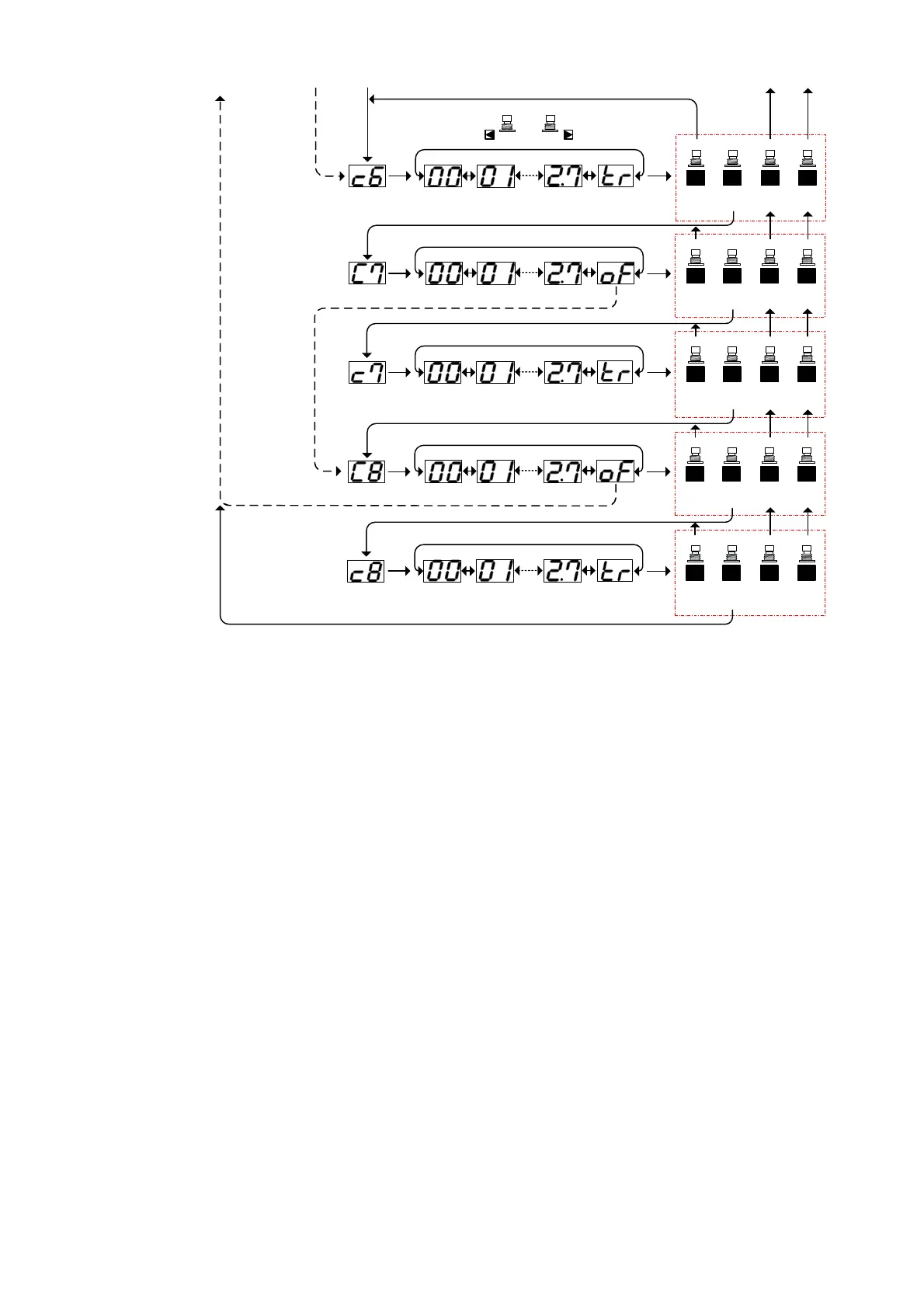
enter &
next
P1 P2 P3
cancel
& exit
Press Press Press
see the
topic
menu
P4
Press
save
& exit
C6: Value
Press bank up / down for select setting
enter &
next
P1 P2 P3
cancel
& exit
Press Press Press
see the
topic
menu
P4
Press
save
& exit
enter &
next
P1 P2 P3
cancel
& exit
Press Press Press
see the
topic
menu
P4
Press
save
& exit
Press bank up / down for select setting
Press bank up / down for select setting
enter &
next
P1 P2 P3
cancel
& exit
Press Press Press
see the
topic
menu
P4
Press
save
& exit
enter &
next
P1 P2 P3
cancel
& exit
Press Press Press
see the
topic
menu
P4
Press
save
& exit
Press bank up / down for select setting
C7: Controller#
C7: Value
C8: Controller#
C8: Value
Press bank up / down for select setting
BANK
DOWN
BANK
UP
Exit & go to Operation Mode
From CC#6 setup
Return to programming mode entry
Continue to programming
mode entry
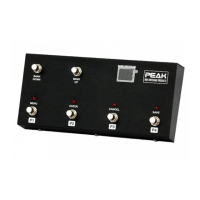
PEAK FCB4N2-Programmable MIDI foot controller / switcher. Document update on 14/7/2009


 To Previous Page