31
iPhone/iPod playback
CONNECT iPHONE/iPOD
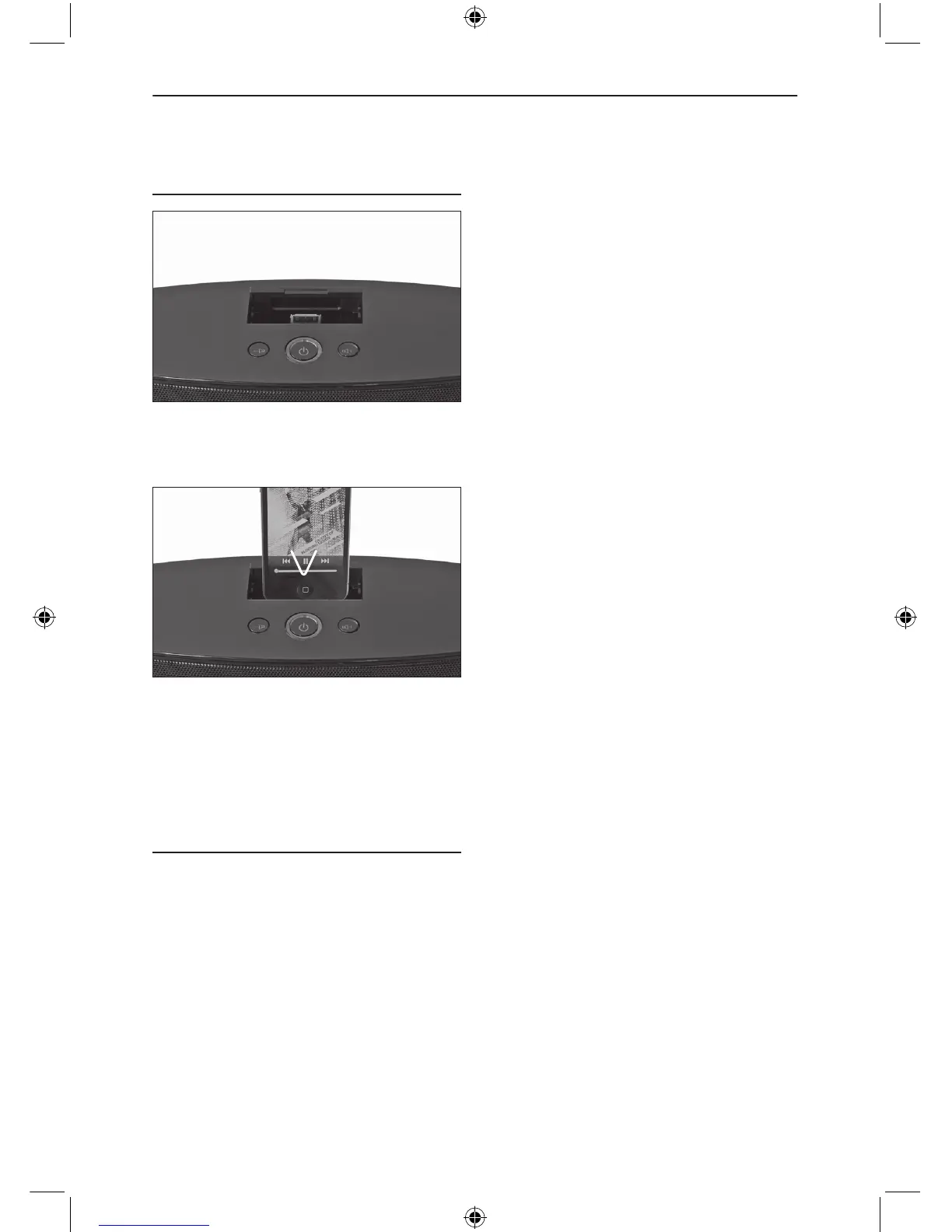
To listen to an iPhone/iPod open the docking
cover on top of the appliance.
Connect the iPhone/iPod to the docking.
Make sure, that the iPhone/iPod is fully
connected. Press iPod on remote control.
NOTE: Insert the iPhone/iPod carefully so
that the connector pins are not damaged.
CHARGING
The connected iPhone/iPod will be charged
in ON mode.


 To Next Page
 Loading...