Owner’s manual
30
EN
Other operations
On-screen indicators
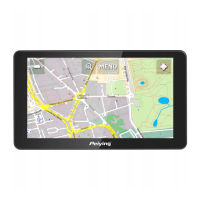
1. Navigation
Select “Navigation” icon from the main menu to access
Navigation Map and Software.
2. Ebook
A. Select “Multimedia” to access media player. Press “Ebook” to
enter ebook reader.
B. Tick the “Manual” box for manual page change. Tick the “Auto”
box for automatic page change.
C. Tick the “Big font” box for bigger size font. Tick the “Small font”
box for smaller size font.
D. Denition of icons:
Icon Function Icon Function
Up Go to page
Battery
Time


 To Next Page