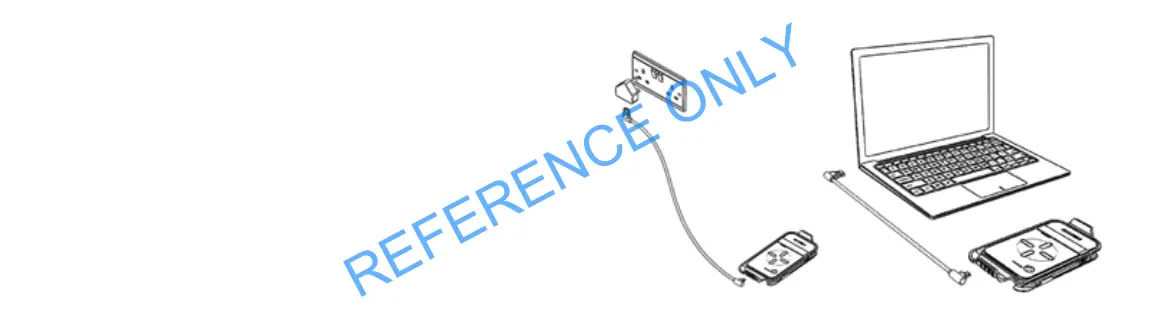
CHARGING THE G40 TRAY
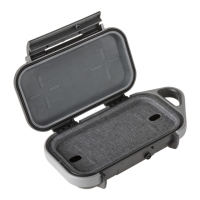
1. Open the case and remove the Wireless Charging Tray.
2. Remove the charging cord.
3. Using the supplied cord, connect the Type A USB plug to a
suitable power source – either a 5V power adaptor or a laptop etc.
4. Plug the Micro Type B USB plug into the Micro Type B
USB port on the Wireless Charging Bank.


 To Next Page