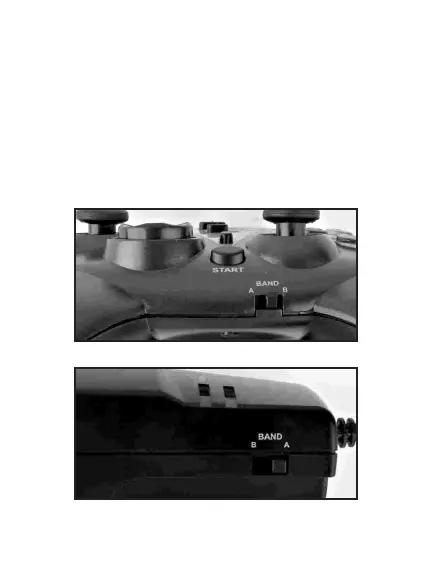
3.Check Band setting:
Confirm that the Band Switch is set to A on both the
controller and the receiver.
Note: the only time you would ever change this
switch is if you experienced a drop off in the signal,
causing game play to be suspended. If this happens
repeatedly we suggest you switch to Band B on both
the Controller and Receiver.
5



 To Next Page