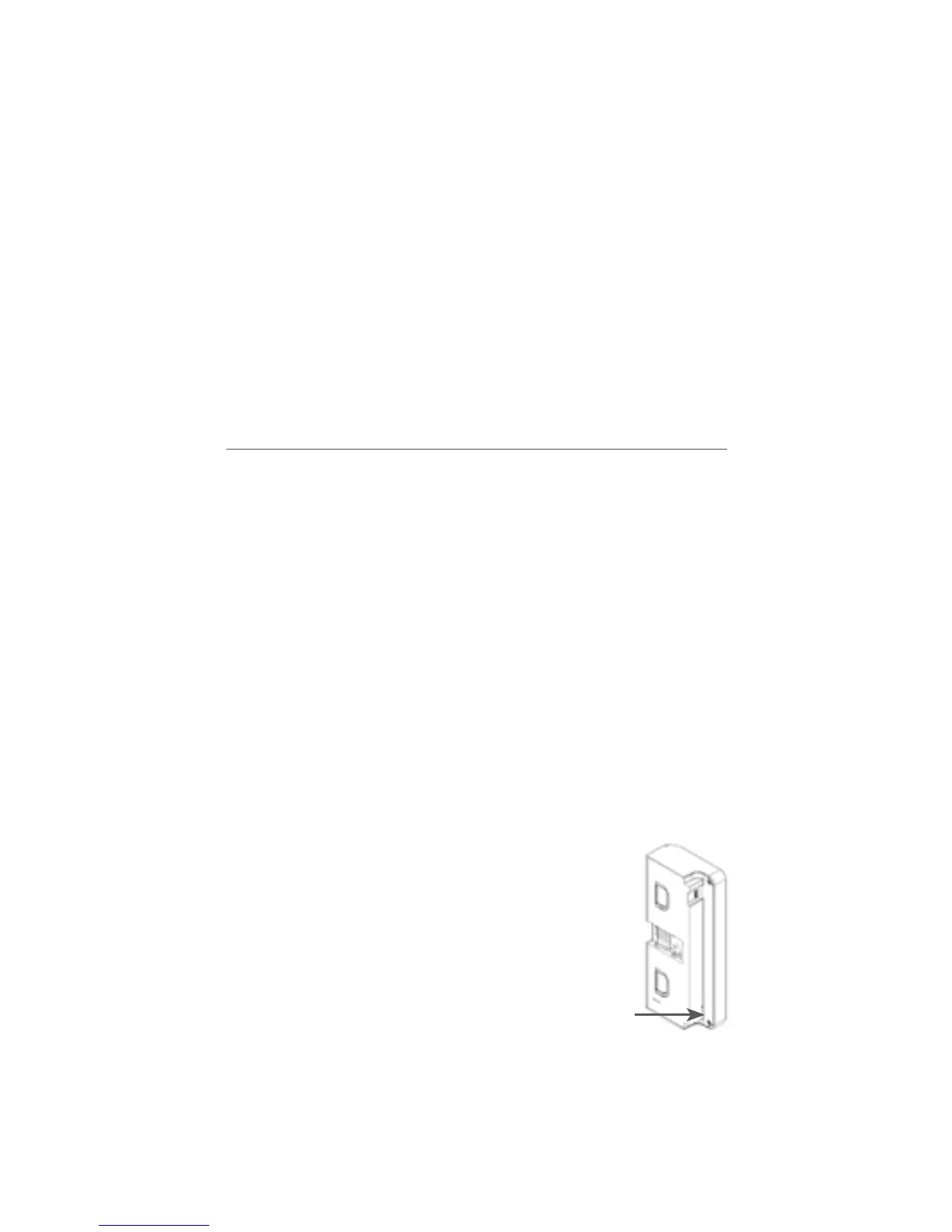
When the power adaptor is connected, the LED will indicate the
following conditions:
• LED ashing: batteries missing, defective or not of a
compatible type.
Immediately unplug the adapter
• LED pulsating: charging underway
• LED steadily lit: charging completed
After charging, detach the cable and t the module back
onto its base plate.
IMPORTANT: this action will start a sensor recalibration
cycle; therefore, be careful not to touch the sensitive areas
until the LED goes off.
In the case of new batteries, 2-3 complete charging/discharging
cycles may be needed to bring the batteries to full capacity.
PROGRAMMING THE REMOTE CONTROL (OPTIONAL)
The battery module can be supplied with a radio remote control
receiver (SL2377) as a standard feature; alternatively the recei-
ver can be installed at a later date (see dedicated installation
instructions).
A 99-channel radio transmitter (PCB) is used for the remote
control.
The radio receiver positioned inside the battery module can
memorize up to 58 channels; it can thus receive an equal num-
ber of addresses from one or more remote controls.
To program the remote control follow the instructions provided
below.
Memorizing a channel
1. Detach the battery module from
the support
2. Select the required channel on
the remote control transmitter di-
splay by pressing the +/- buttons
3. Press the button on the battery
module until the respective LED
lights up
4. Release the button
5. Simultaneously press the up and down keys on the re-
mote control transmitter
6. Wait until the LED starts ashing slowly to indicate that
the channel has been memorised and release the but-
tons.
7



 To Next Page