double-click or click on the memo to enlarge it. To delete a
memo, just click on the item you want to delete, and then click
on the toolbar above.
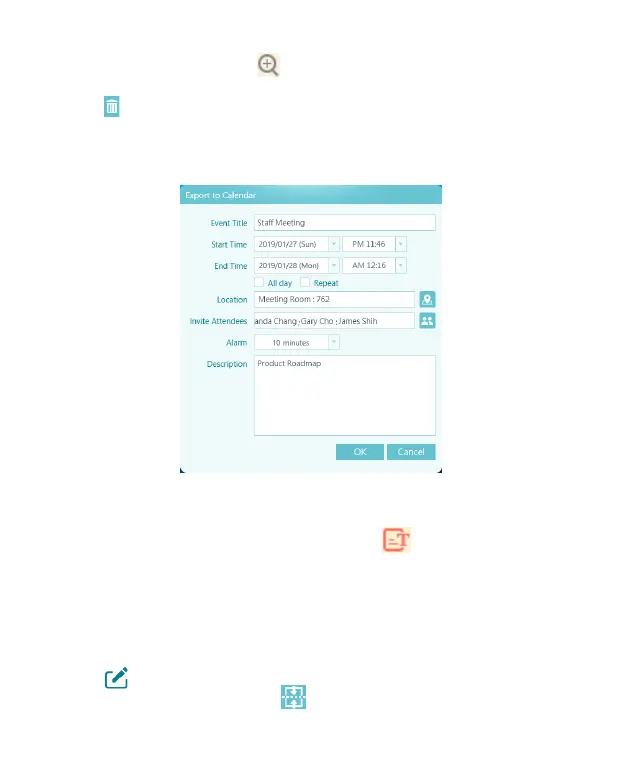
4. By clicking the function buttons on the toolbar, you can send
your writing to others via Email, or add memo in Outlook/
Google calendar as reminder.
5. The memos you stored will be automatically recognized into
the texts so that you can search by keyword in the future. If
the recognition is wrong, please click above the memo to
manually correct it.
6. The default recognition language is your system language.
If you want to add other language recognition, please adjust
according to the guidelines in the settings.
7. In addition, you can manually merge the memos. Click [Edit]
in the upper right corner, then check the memos you want
to merge, and then click on the toolbar to merge.
Export Memo to Calendar


 To Next Page