◎
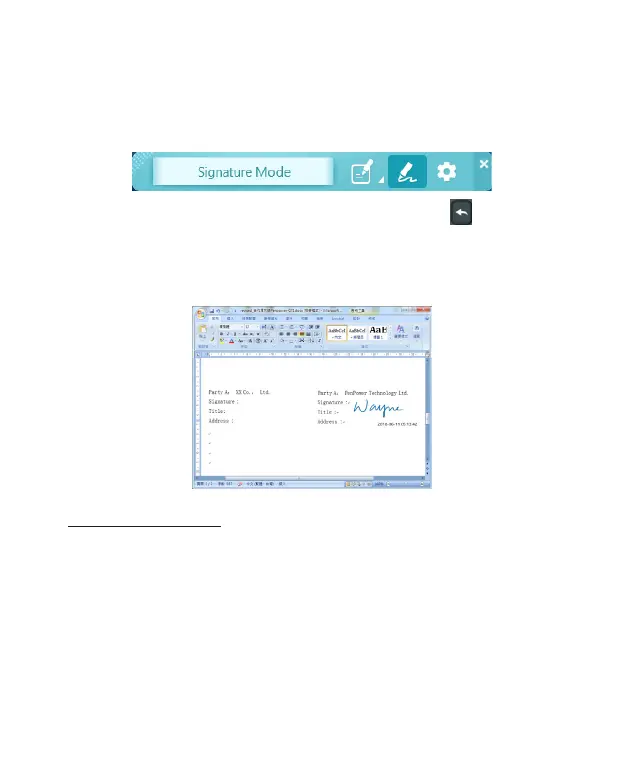
Signature Function
1. Under [Signature] function, please click the cursor on the
application of document you want to sign on, then you can
start to sign.
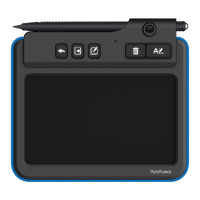
2. After signing, press the [Send to Apps] button on the pad
to send the signature to the document.
Note: For PDF le, only support Adobe v11.0.8 or higher version or Foxit
v6.0 or higher version.
PDF File Awareness
If you want to insert the writing or signature to the PDF
file, you need to ensure mouse cursor had clicked on the PDF
application , so that you can insert the signature correctly.
If the cursor is not on the PDF application correctly, please left
click on the blank space of the taskbar then left click the place you
want to send on the document. Now the software should be able to
detect and you can write and send.


 To Next Page