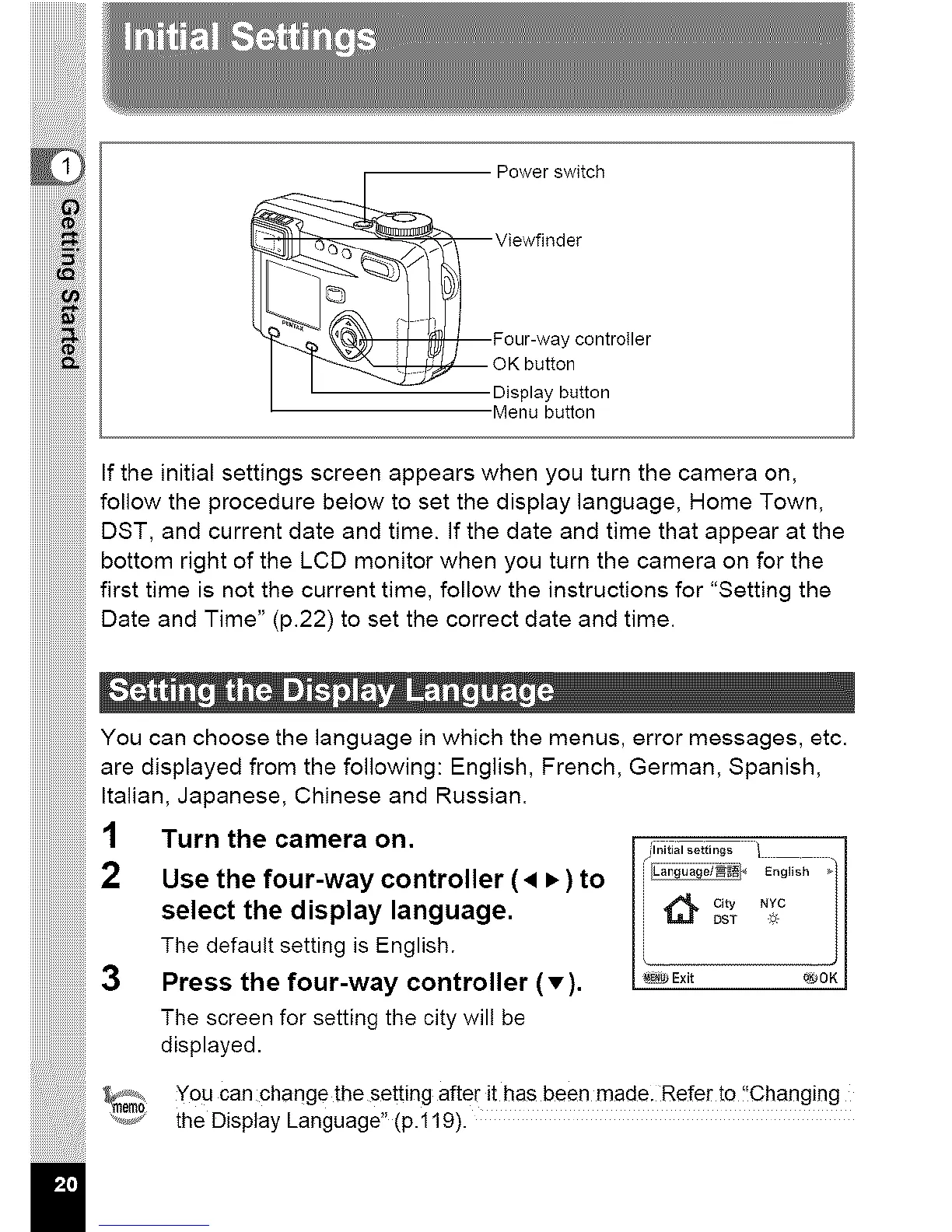
Power switch
Viewfinder
contro,er
iiiiiiiiiiiiiiiiii_!_ii
Displaybutton
•Menubutton
Ifthe initial settings screen appears when you turn the camera on,
follow the procedure below to set the display language, Home Town,
DST, and current date and time. Ifthe date and time that appear at the
bottom right of the LCD monitor when you turn the camera on for the
first time is not the current time, follow the instructions for "Setting the
Date and Time" (p.22) to set the correct date and time.
You can choose the language in which the menus, error messages, etc.
are displayed from the following: English, French, German, Spanish,
Italian, Japanese, Chinese and Russian.
1 Turn the camera on. /initialse--...... _ I
2 Usethe four-waycontroller (• •) to i Eo0,,o._/
i c_ty _YC /
select the display language. 1_ _T ,_
J
The default setting is English.
3 Press the four-way controller (•). I e_Exit ®0KI
The screen for setting the city will be
displayed.
_em_ You can change the setting after it has been made. Refer to !!Changing
........_ the Display Language" (p.119).
II



 To Next Page