iiiiiiiiiiiiiiiiiiiiiiii_
HHHHHHHHHHHH_
HHHHHHHHHHHH_
HHHHHHHHHHHH_
iiiiiiiiiiiiiiiiiiiiiiiii
HHHHHHHHHHHH_
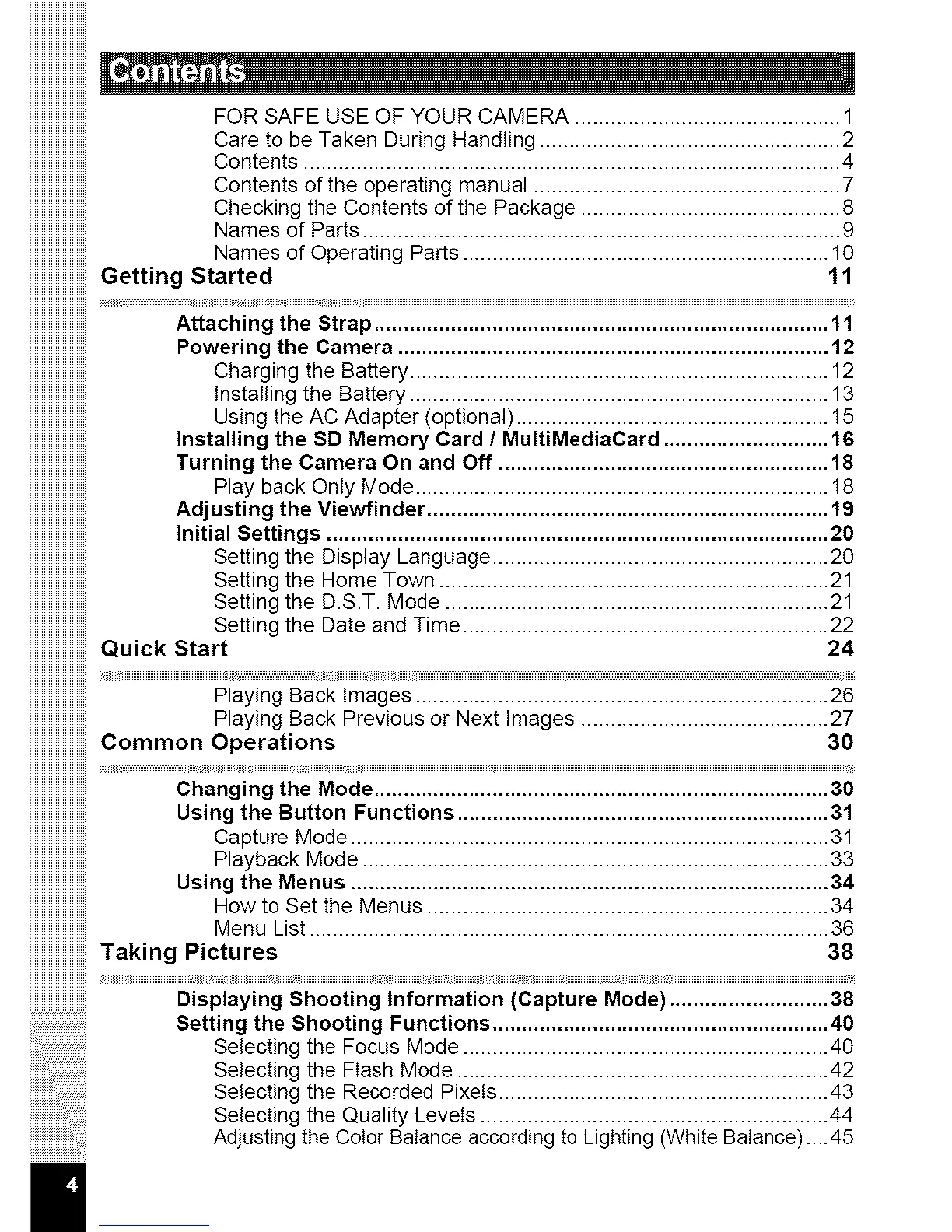
FOR SAFE USE OF YOUR CAMERA ............................................. 1
Care to be Taken During Handling ................................................... 2
Contents ........................................................................................... 4
Contents of the operating manual .................................................... 7
Checking the Contents of the Package ............................................ 8
Names of Parts ................................................................................. g
Names of Operating Parts .............................................................. 10
Getting Started 11
Attaching the Strap ............................................................................. 11
Powering the Camera ......................................................................... 12
Charging the Battery ....................................................................... 12
Installing the Battery ....................................................................... 13
Using the AC Adapter (optional) ..................................................... 15
Installing the SD Memory Card / MultiMediaCard ............................ 16
Turning the Camera On and Off ........................................................ 18
Play back Only Mode ...................................................................... !8
Adjusting the Viewfinder .................................................................... 1!)
Initial Settings ..................................................................................... 20
Setting the Display Language ......................................................... 20
Setting the Home Town .................................................................. 21
Setting the D.S.T. Mode ................................................................. 21
Setting the Date and Time .............................................................. 22
Quick Start 24
Playing Back Images ...................................................................... 26
Playing Back Previous or Next Images .......................................... 27
Common Operations 30
Changing the Mode ............................................................................. 30
Using the Button Functions ............................................................... 31
Capture Mode ................................................................................. 31
Playback Mode ............................................................................... 33
Using the Menus ................................................................................. 34
How to Set the Menus .................................................................... 34
Menu List ........................................................................................ 36
Taking Pictures 38
Displaying Shooting Information (Capture Mode) ........................... 38
Setting the Shooting Functions ......................................................... 40
Selecting the Focus Mode .............................................................. 40
Selecting the Flash Mode ............................................................... 42
Selecting the Recorded Pixets ........................................................ 43
Selecting the Quality Levels ........................................................... 44
Adjusting the Color Balance according to Lighting (White Balance)....45
|


 To Next Page
 Loading...









