iiiiiiiiiiiiiiiii
iiiiiiiiiiiiiiiii
iiii:i:i:i:i:i:i:i:i:i:i:i:i:i
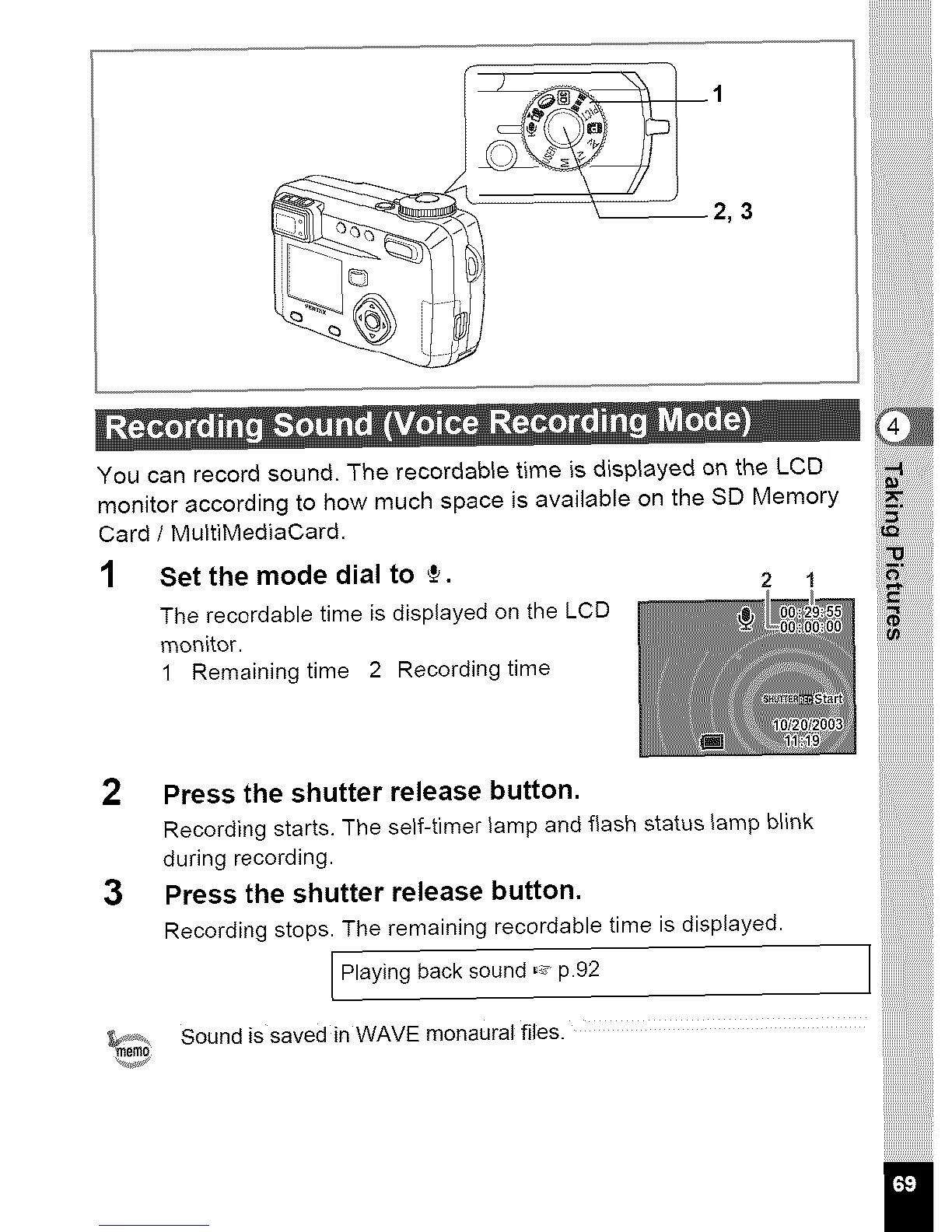
2, 3
You can record sound. The recerdable time is displayed on the LCD
monitor according to how much space is available on the SD Memory
Card / MultiMediaCard.
1 Set the mode dial to ÷. 2 1
The recordable time is displayed on the LCD
monitor.
1 Remaining time 2 Recording time
2 Press the shutter release button.
Recording starts. The self-timer lamp and flash status lamp blink
during recording.
3 Press the shutter release button,
Recording stops. The remaining recordable time is displayed.
Playing back sound ,,, #92
Sound is saved in WAVE monaural files.



 To Next Page