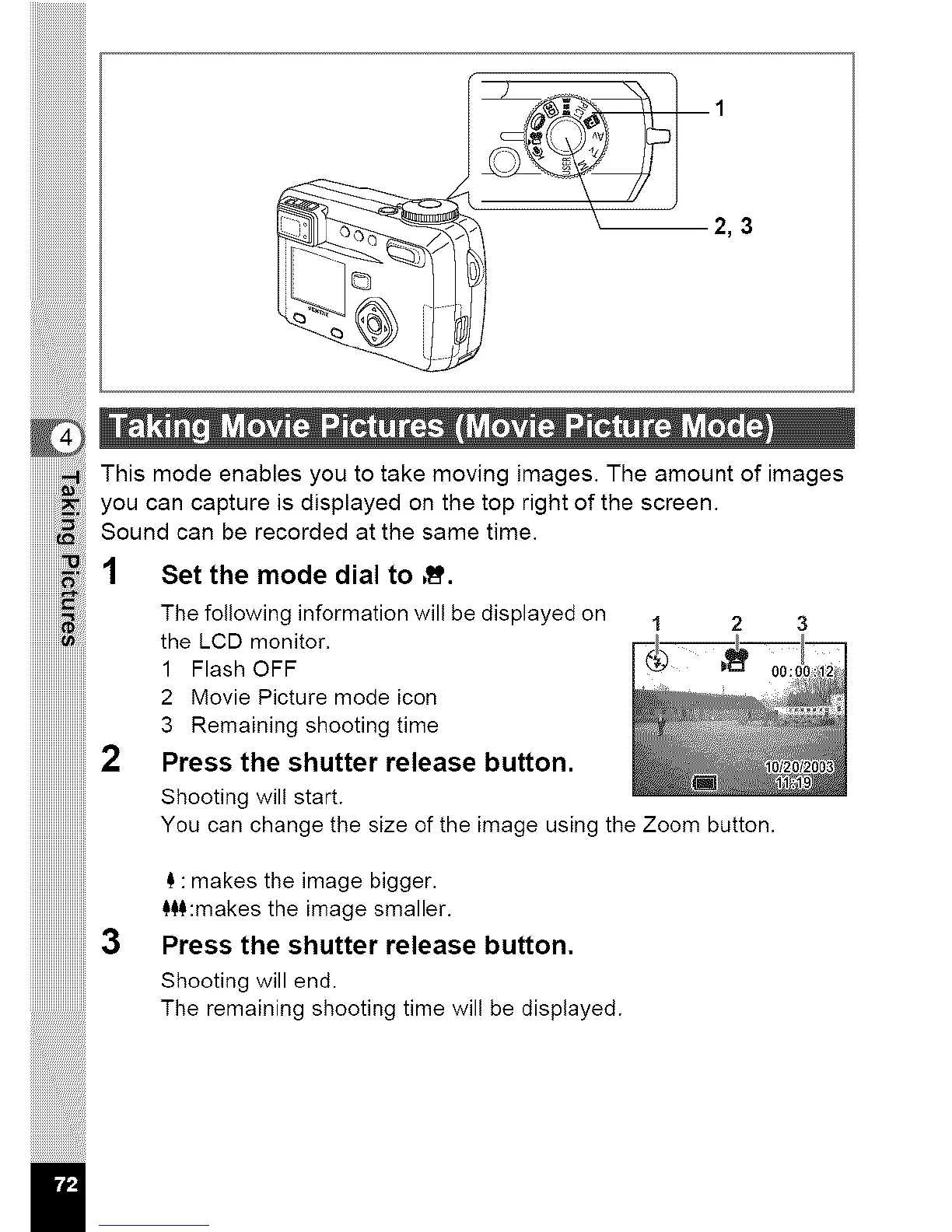
Thismodeenablesyoutotakemovingimages.Theamountofimages
youcancaptureisdisplayedonthetoprightofthescreen.
Soundcanberecordedatthesametime.
1 Set the mode dial to ,ft.
il
The following information will be displayed on 1 2 3
the LCD monitor.
1 Flash OFF
2 Movie Picture mode icon
3 Remaining shooting time
Press the shutter release button.
Shooting will start.
You can change the size of the image using the Zoom button.
_,:makes the image bigger.
_$$:makes the image smaller.
Press the shutter release button.
Shooting will end.
The remaining shooting time will be displayed.



 To Next Page