iiiiiiiiiiiiiiiiiiiiiiii
iiiiiiiiiiiiiiiiiiiiiiii
HHHHHHHHHHHH
HHHHHHHHHHHH
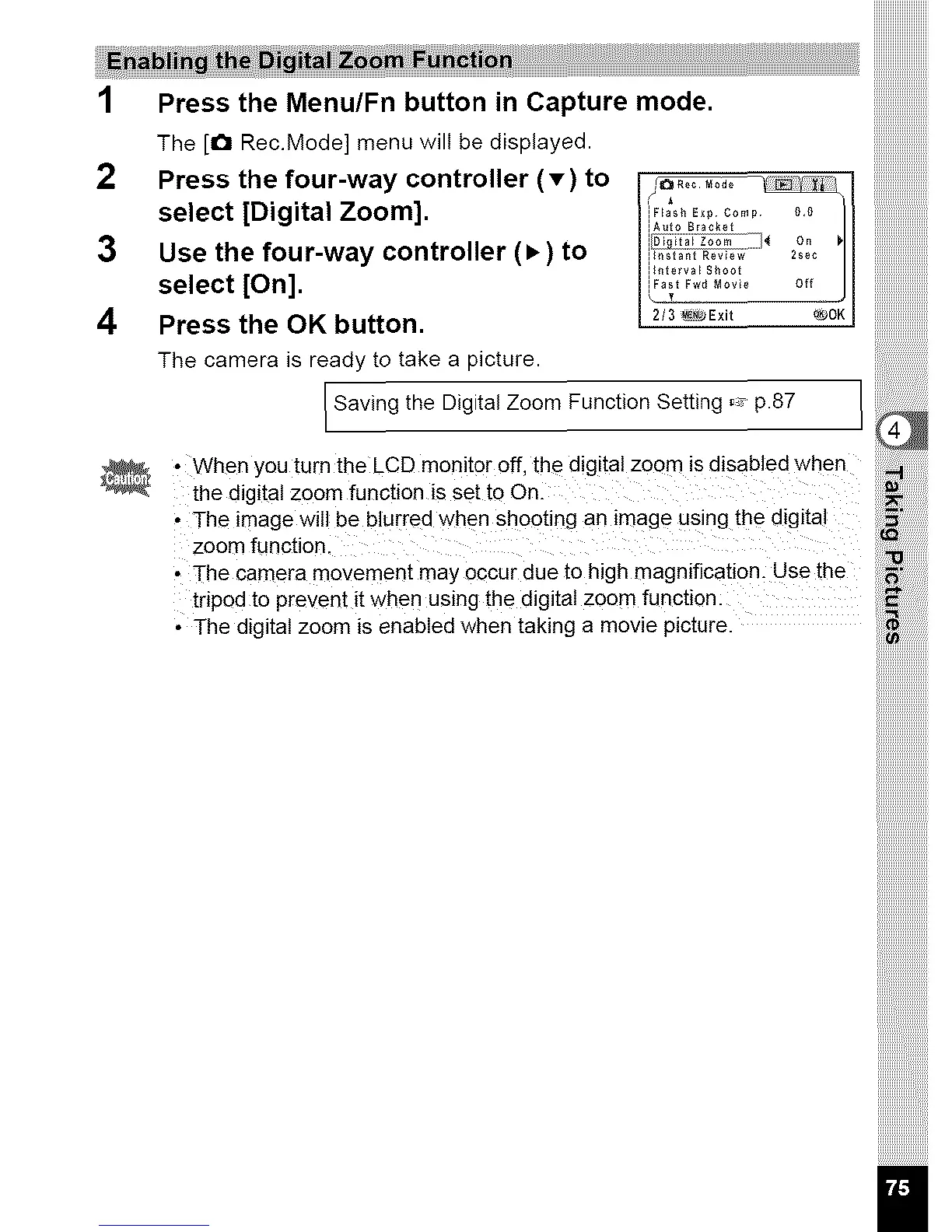
1 Presst.eMenu,FnbuttoninCapturemode. iiiiiiiiiiiiiiiiiiiiiiii
TheIoRec.Modelmenuwi,lbedisplayed, iiiiiiiiiiiiiiiiiiiiiiii
2 Press the four-way controller (T) to I I
iF_ash Exp Comp 1},1}
select [Digital Zoom]. i
iAuto Bracket
3 Use the four-way controller (l_) to i,,,ta_;_i;;.........._,e_
il_lterva[ SSoot
select [On]. i_0,__ _o_0 o_
4 Press the OK button. I 2/__xit _o_I
The camera is ready to take a picture.
Saving the Digital Zoom Function Setting _ p.87
_ , When you turn the LCD monitor off the digital zoom is disabled when
the digital zoom function is Set t00nl
' The image Will be blurred 'when Shooting an image Using the digita!
zoom functionl
N
' The camera movement may 0¢cur due to high magnification. Use the
tripod to prevent it when using the digitalZoomfunction:
' The digital zoom is enabled when taking a movie picture.



 To Next Page