k I " ll_0 - m ® .
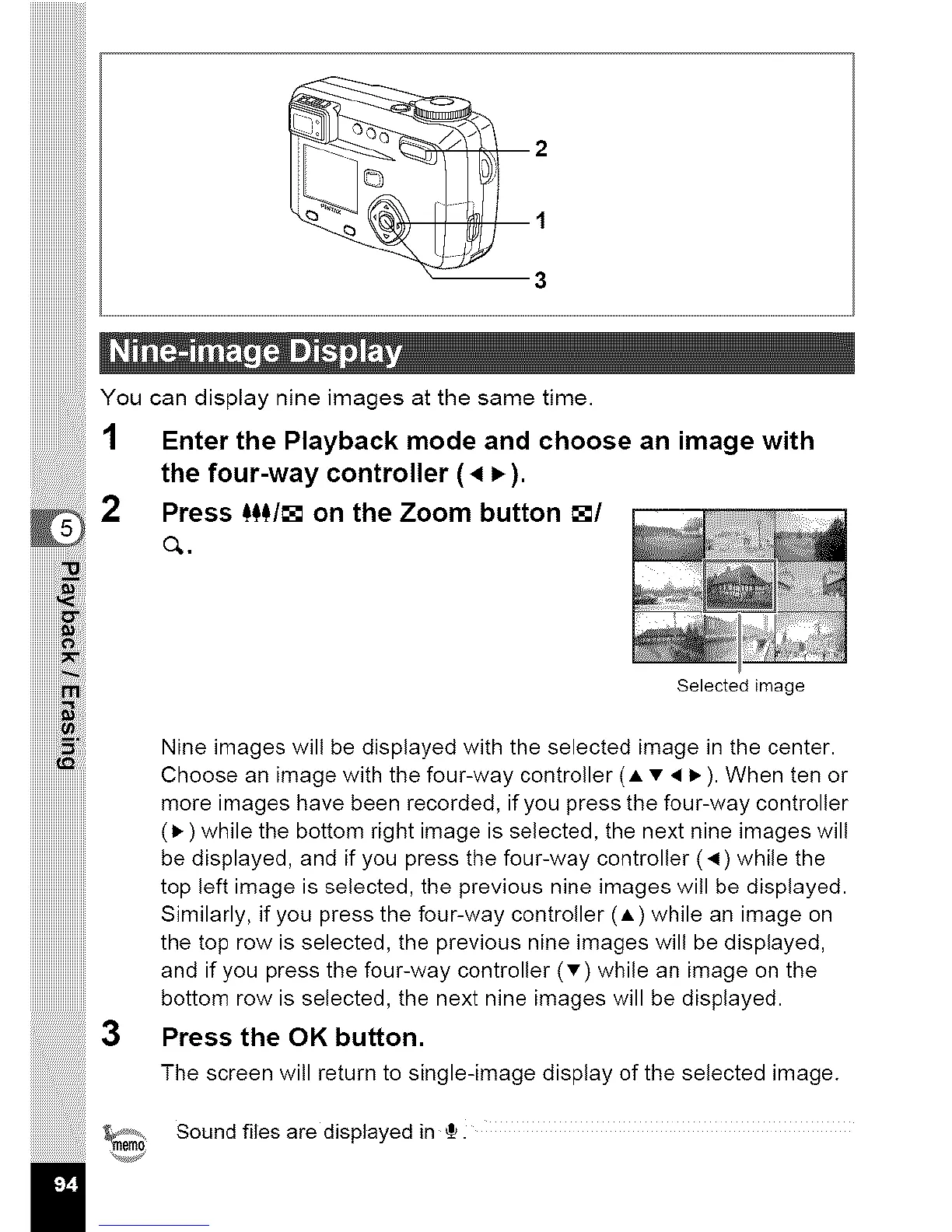
You can display nine images at the same time.
1 Enter the Playback mode and choose an image with
the four-way controller (4 P,).
2 Press f_/[] on the Zoom button []/
o,.
iiiiiiiiiiiii!_iiii:iiii
iiiiiiiiiiiiii_iill
iiiiiiiiiiiii! iiiizi !
iiiiiiiiiiiiil !iii
_!iiiiil
iiiiiiiiiiii!!_!!!iii
iiiiiiiiiiiiiiiiiiiiiiiii
iiiiiiiiiiiiiiiiiiiiiiiii
iiiiiiiiiiiiiiiiiiiiiiiii
iiiiiiiiiiiiiiiiiiiiiiiii
iiiiiiiiiiiiiiiiiiiiiiiii
3
Selected image
Nine images will be displayed with the selected image in the center.
Choose an image with the four-way controller (_, • • I_ ). When ten or
more images have been recorded, if you press the four-way controller
(1_) while the bottom right image is selected, the next nine images will
be displayed, and if you press the four-way controller (•) while the
top left image is selected, the previous nine images will be displayed.
Similarly, if you press the four-way controller (_,) while an image on
the top row is selected, the previous nine images will be displayed,
and if you press the four-way controller (•) while an image on the
bottom row is selected, the next nine images will be displayed.
Press the OK button.
The screen will return to single-image display of the selected image.
Sound files are displayed in {.



 To Next Page