7
Q Taking Pictures
Aim the camera at the subject, then press the shutter release
button. The flash will fire automatically depending on the lighting
conditions.
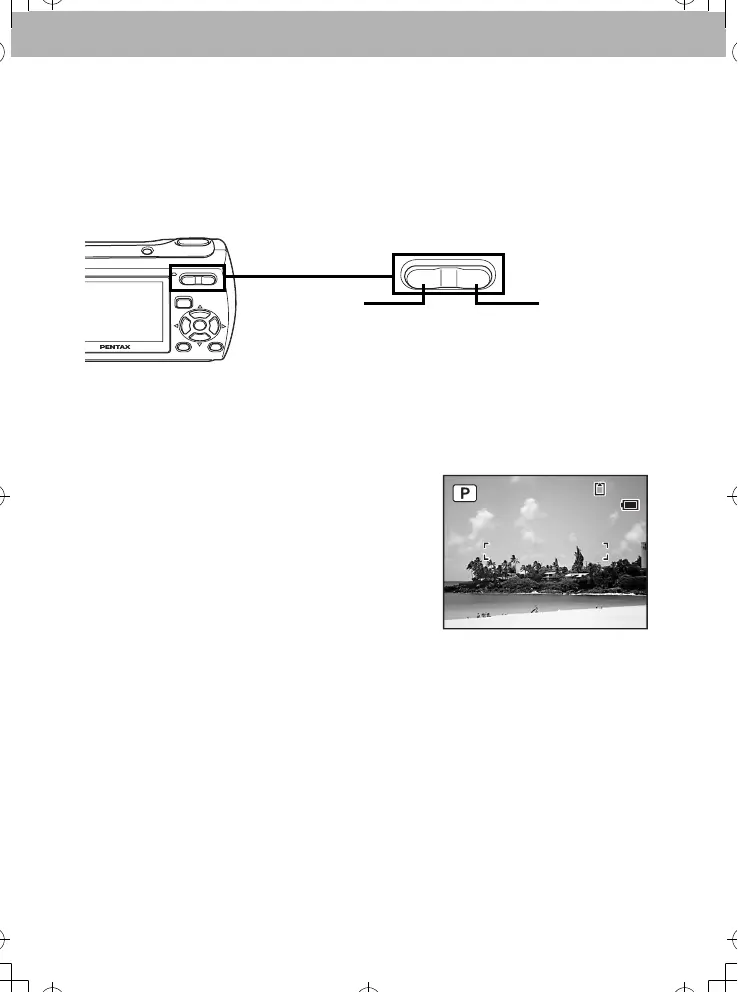
1 Frame the subject using the focus frame on the LCD monitor.
2 Use the Zoom/w/xbutton to change the captured area.
3 Press the shutter release button halfway.
The focus frame on the LCD monitor turns green if the subject is in
focus.
4 Press the shutter release button
fully.
The picture is taken.
w
x
widens the area that is
captured by the camera
enlarges the subject
03/03/2007
38
14:25
_
_
_
_
.
,
,



 To Next Page