19
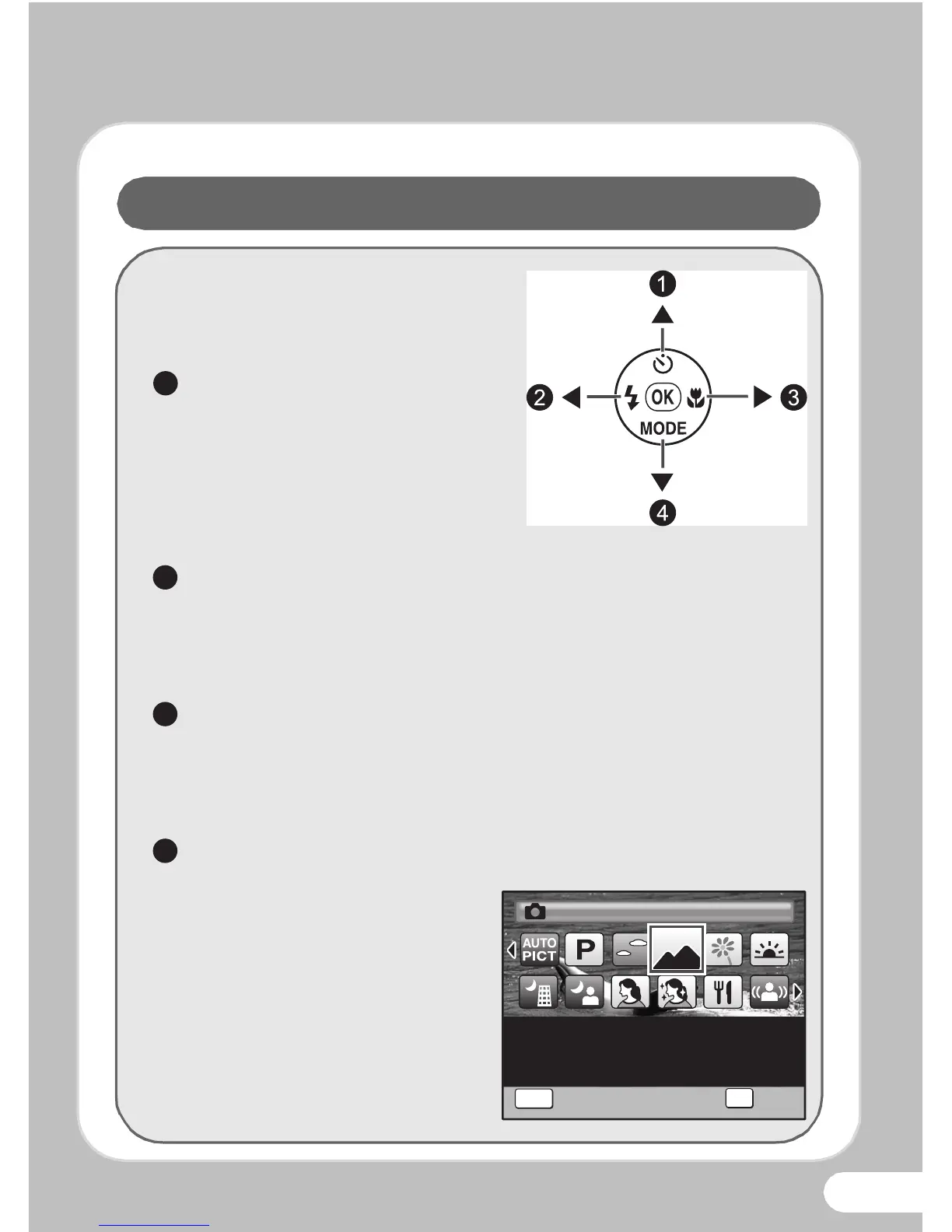
You can perform the following
operation by pressing the four-way
controller when the camera is in the
capture mode.
Drive Modes
Each time you press the four-
way controller (2), the drive
mode switches between the
following modes.
9
→
g
→
j
→
q
→
i
Flash Modes
Each time you press the four-way controller (4), the flash
mode switches between the following modes.
, → a → b → c → d
Focus Modes
Each time you press the four-way controller (5), the focus
mode switches between the following modes.
= → q → r → 3 → s → \
Shooting Modes
Press the four-way controller
(3) to display the Capture
Mode Palette.
Use the four-way controller
(2345) to choose a
shooting mode according to
the situation, then press the
4 button.


 To Next Page
 Loading...








