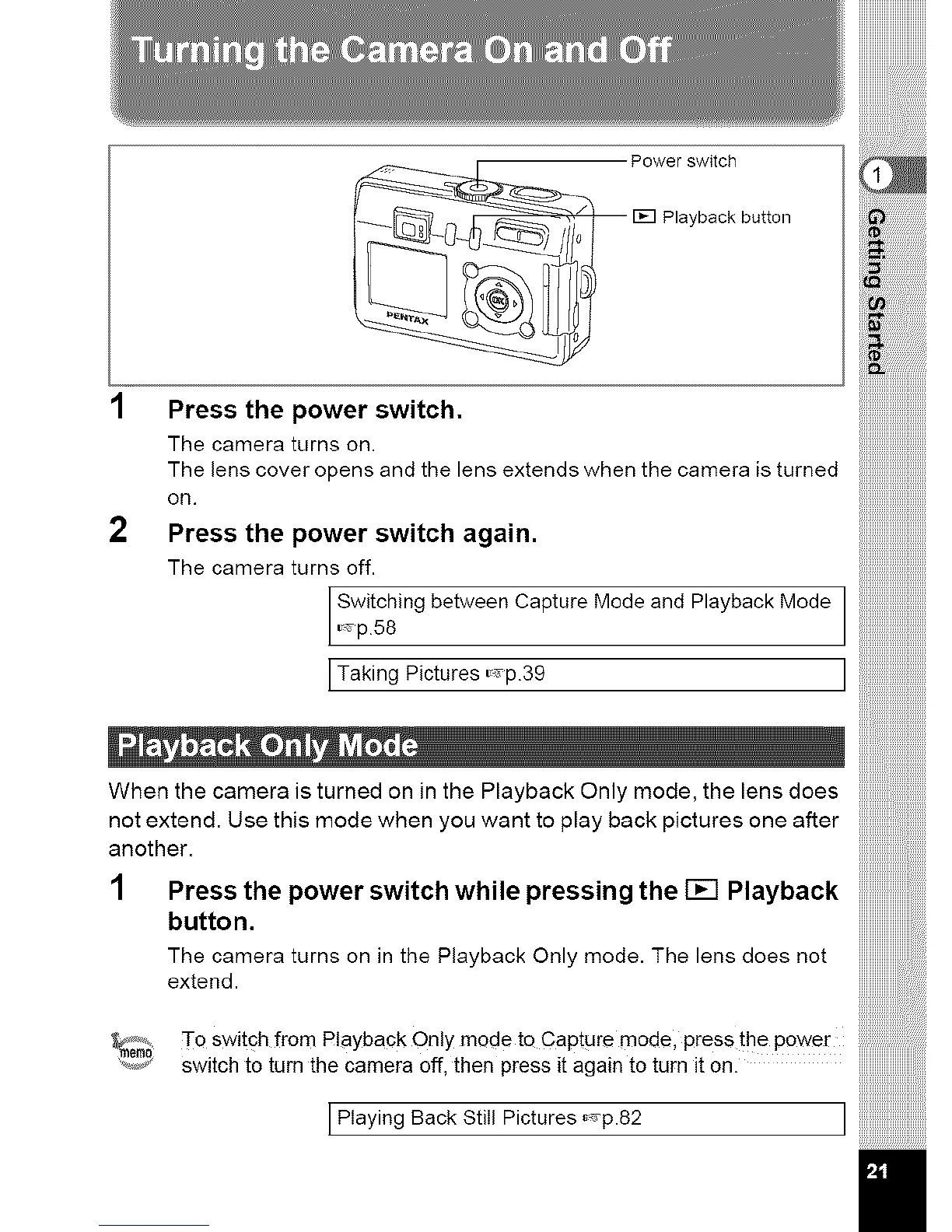
Press the power switch.
The camera turns on.
The lens cover opens and the lens extends when the camera is turned
on.
Press the power switch again.
The camera turns off.
Switching between Capture Mode and Playback Mode
,_p.58
I Taking Pictures ,_p.39 I
When the camera is turned on in the Playback Only mode, the lens does
not extend. Use this mode when you want to play back pictures one after
another.
1 Press the power switch while pressing the F_q Playback
button.
The camera turns on in the Playback Only mode. The lens does not
extend.
To switc h from Playback Only mode to Capture mode, press the power
switch to turn the camera off, then press it again to turn it on.
I Playing Back Still Pictures ._-p.82 I


 To Next Page