EasyManua.ls Logo

Pentax PC-33 - Lithium Battery Replacement

Pentax PC-33
20 pages
Print Icon
To Next Page IconTo Next Page
To Previous Page IconTo Previous Page
Loading...
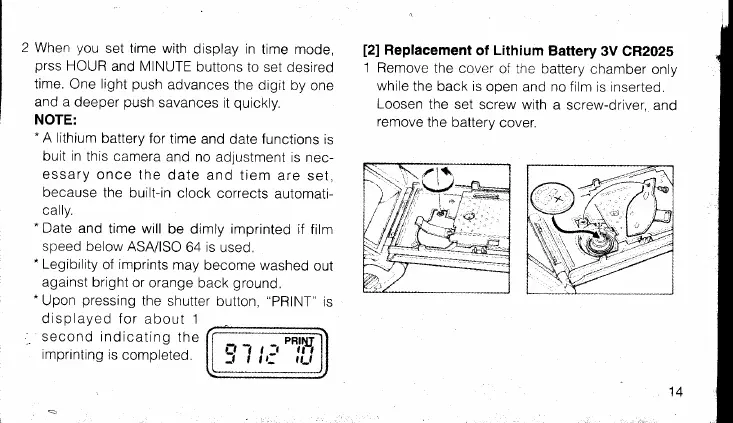
2 When
you
set time with
display in
time mode,
prss
HOUR
and MINUTE
buttons
to set desired
time.
One
light
push
advances
the
digit by
one
and a
deeper
push
savances
it
quickly.
NOTE:
-
A lithium
battery
for
time and
date
functions
is
buit in
this camera
and no
adjustment
is nec-
essary
once the
date
and tiem
are set,
because
the
built-in clock
corrects
automati-
cally.
.
Date
and
time will
be dimly imprinted
if fitm
speed below
ASA/ISO
64 is
used.
-
Legibility
of
imprints
may
become washed
out
against
bright or
orange
back
ground.
-Upon
pressing
the shutter
button,
"PRlNT'is
displayed for
about 1
second indicating
the
imprinting
is
completec.
[2]
Replacement
of
Lithium
Battery
3V CR202S
1
Remove
the cover
of the battery
chamber
only
while
the back is
open and no film
is inserted.
Loosen
the set
screw with
a screw-driver,
ano
remove
the batterv
cover.
14

Related product manuals