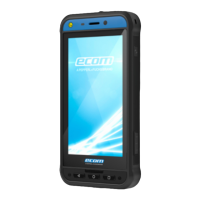
STARTING THE PHONE
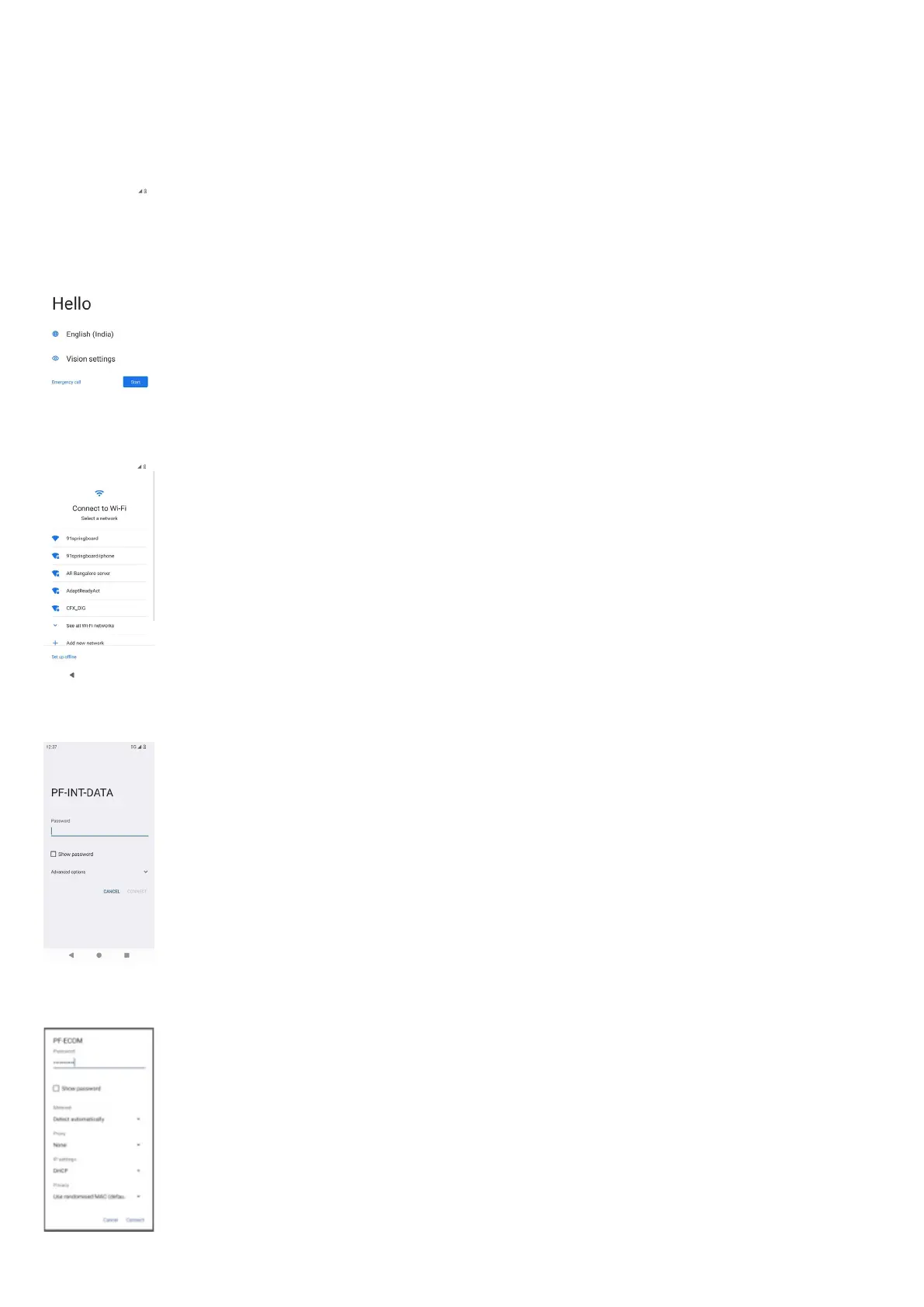
After switching on the new Smart-Ex® 03 phone a START button is visible at the center of the screen. The START button provides
access to the Wi-Fi section. The phone requests for a Wi-Fi connection.
1. Click on the START button to set up your phone.
2. Select your network from the list of displayed networks. OR select the Setup Offline option to continue in the offline mode.
3. Enter the password. Select Advanced options, if any of the advanced parameters have to be changed.
4. Click the CONNECT button. The Password is authenticated and connection is established. Google Sign-in page is displayed.
11


 To Next Page