CCTVSET2
V. 02 – 08/04/2015 22 ©Velleman nv
2. Set up as desired.
3. Left-click OK to confirm.
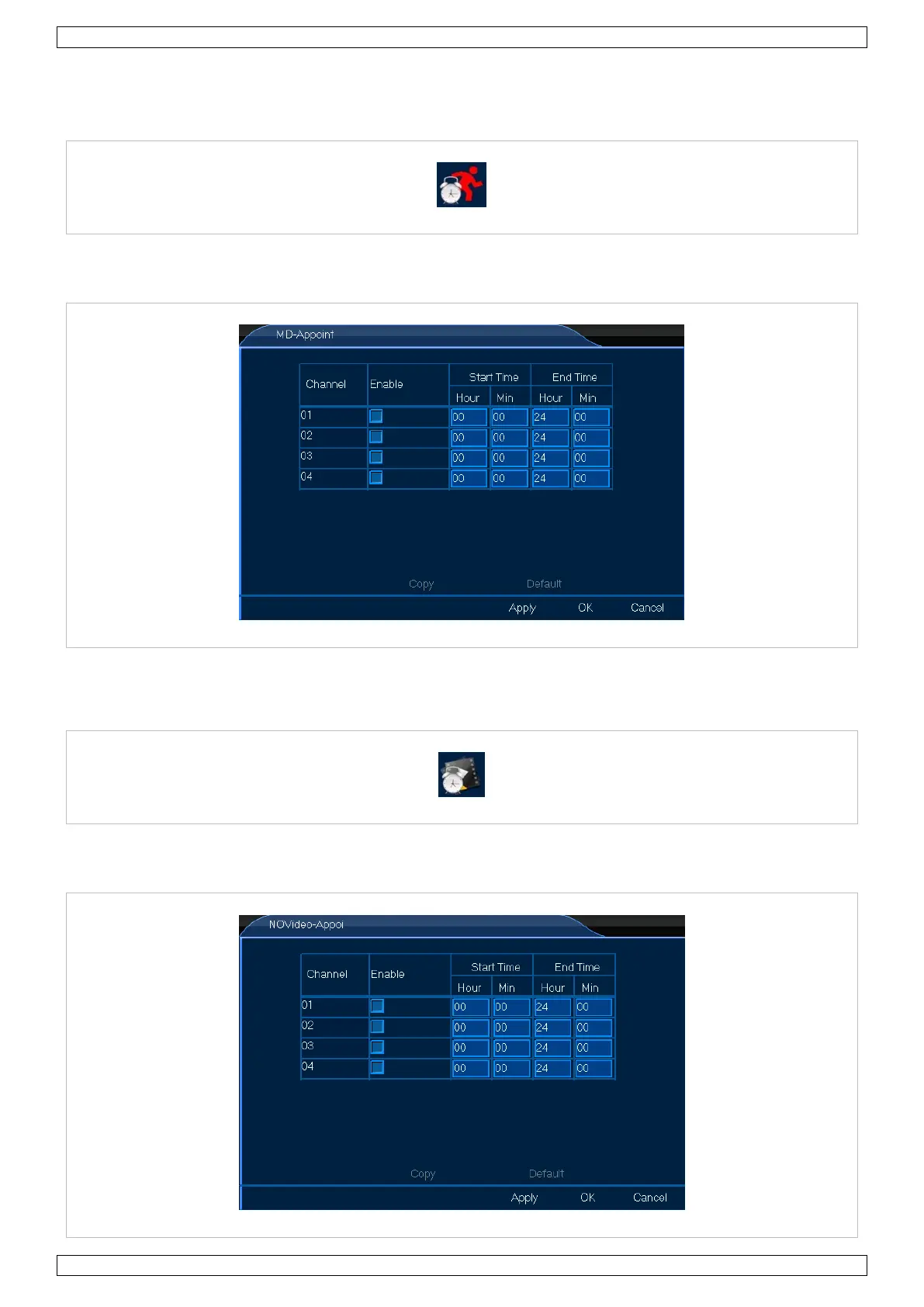
8.4.4 MD-Appoint
The MD-Appoint menu allows you to set the motion detection schedule. Proceed as follows:
1. Left-click the MD-Appoint icon to enter the menu.
2. Set up as desired.
3. Left-click OK to confirm.
8.4.5 NOVideo-Appoint
The NOVideo-Appoint menu allows you to set the alarm-off schedule. Proceed as follows:
1. Left-click the NOVideo-Appoint icon to enter the menu.


 To Next Page