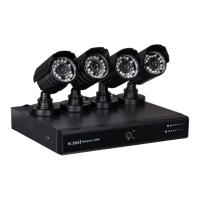
CCTVSET2
V. 02 – 08/04/2015 25 ©Velleman nv
The Information menu allows you to consult general information such as software and hardware version, etc.
Proceed as follows:
1. Left-click the Information icon to enter the menu.
2. Left-click OK to confirm.
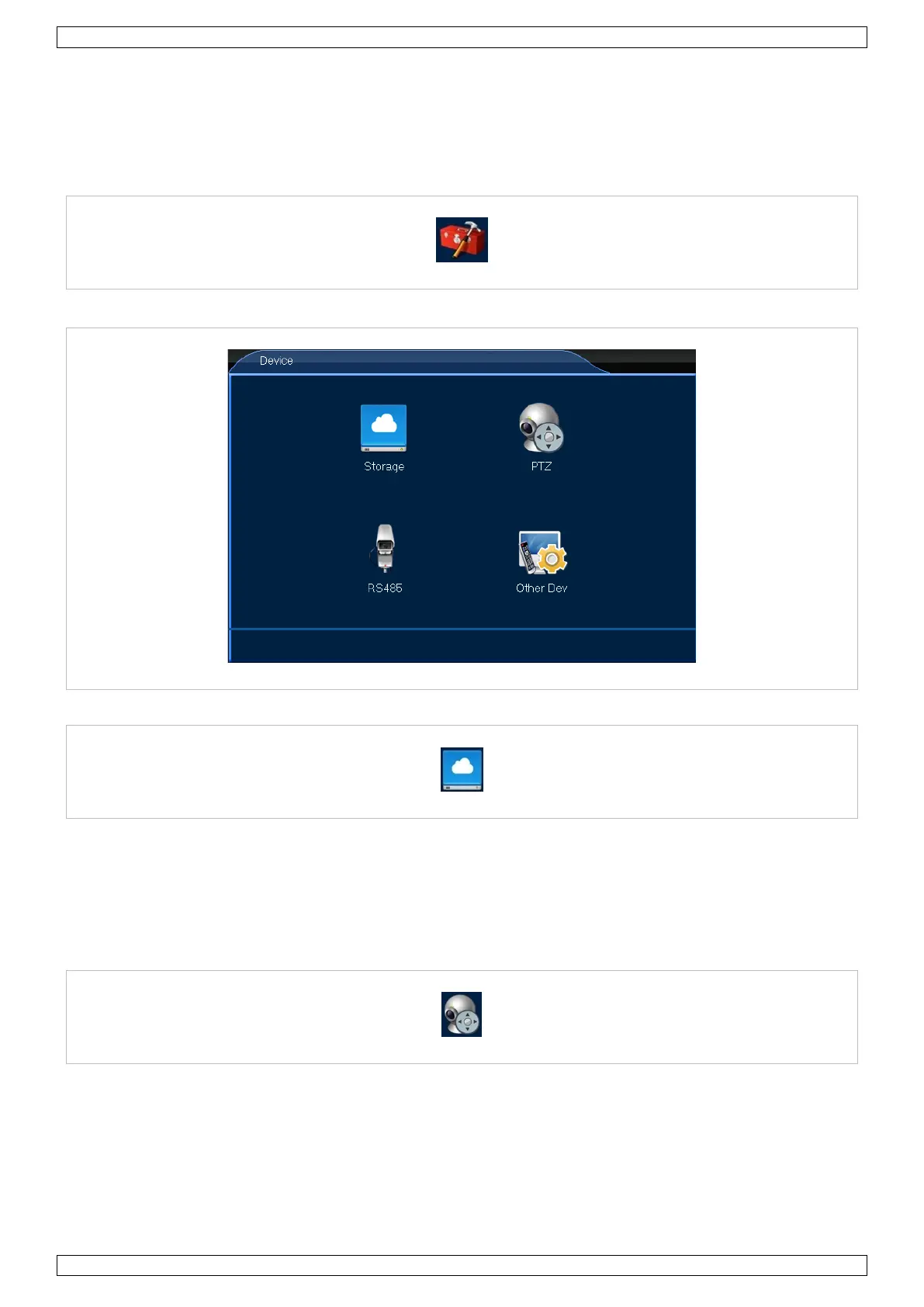
8.6 Device
1. Left-click the Device icon to enter the menu.
8.6.1 Storage
The Storage menu allows you to consult the HDD capacity and to set the recording options in case of a full HDD.
Proceed as follows:
1. Left-click the Storage icon to enter the menu.
2. Set up as desired.
3. Left-click OK to confirm.
8.6.2 PTZ
The PTZ menu allows you to set all PTZ settings and protocols. Proceed as follows:
1. Left-click the PTZ icon to enter the menu.
2. Set up as desired.
3. Left-click OK to confirm.


 To Next Page
 Loading...