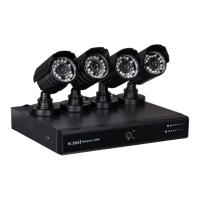
CCTVSET2
V. 02 – 08/04/2015 27 ©Velleman nv
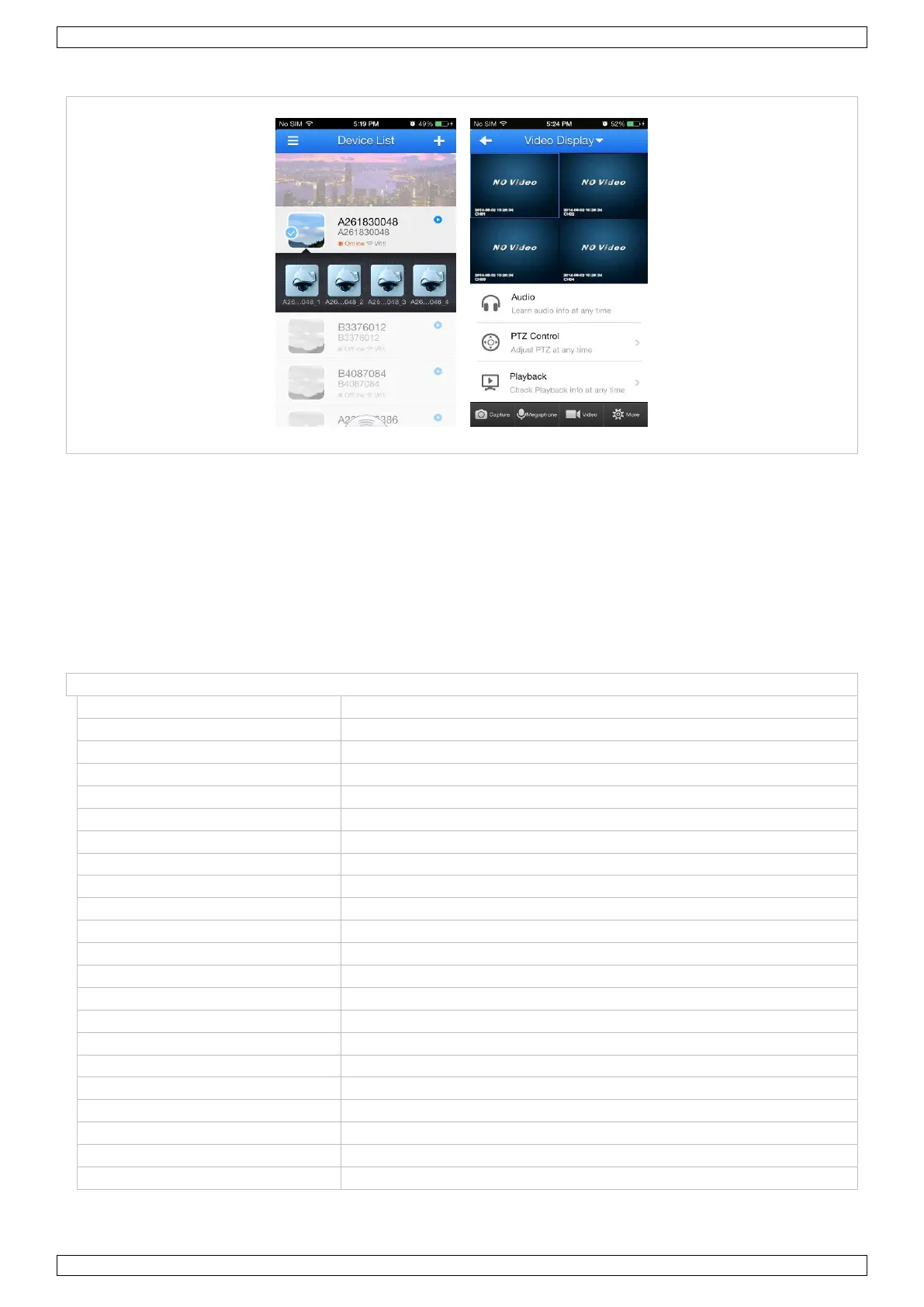
4. You are now set for remote surveillance from your mobile phone!
10. CMS Surveillance Software
Please download the manual for the CMS Surveillance software from the Perel website. Go to www.perel.eu,
enter [CCTVSET2] in the website’s search engine and download the user manual from the product’s page.
11. Cleaning and Maintenance
The DVR system does not need any particular maintenance. However, it is advisable to clean it occasionally to
keep it looking like new.
12. Technical Specifications
4 channels, composite video signal 1 Vp-p / 75 ohms BNC
maximum recording rate (PAL)
frame / D1 - 704 x 576 pixels @ 100 IPS (PAL)
highest / higher / high / low / lower / lowest
built-in 500 GB hard disk
16 x 12 grids per channel
motion detection sensitivity
1 parameter with 6 sensitivity levels
USB flash drive and network backup
contrast / brightness / saturation
10° C ~ 40° C (50° F ~ 104° F)
system auto recovery after power reconnected


 To Next Page
 Loading...