Page10of14
Steering Wheel Controls
The steering wheel controls for volume Up/Down work as expected and the Up Arrow and Down Arrow
are used to switch tracks. The 1-6 button operation still needs to be tested.
Initial Impressions
Installation took me about 1 hour to complete and test. Once I learned the radio functions needs to control
the iPod, using the PXAMG was easy. Overall sound quality was excellent with good volume and quick
iPod responses to user input. The PXAMG does a good job displaying as much information it can on the
radio screen considering it is hacking itself into the GM Serial Network. The following information is
displayed on the screen.
• Playlist
• Artist
• Song Title
• Length of Song
• Song Time Remaining
• Album
• Genre
Since the above information is only displayed on the top most line on the screen, it is displayed
individually.
The PXAMG charges the iPod while it is connected and will stay in iPod mode until exited out by
switching to another radio function. If the car is shut off while the iPod is playing a song, the next time the
car is started, and the iPod will continue to play from where it last left off.
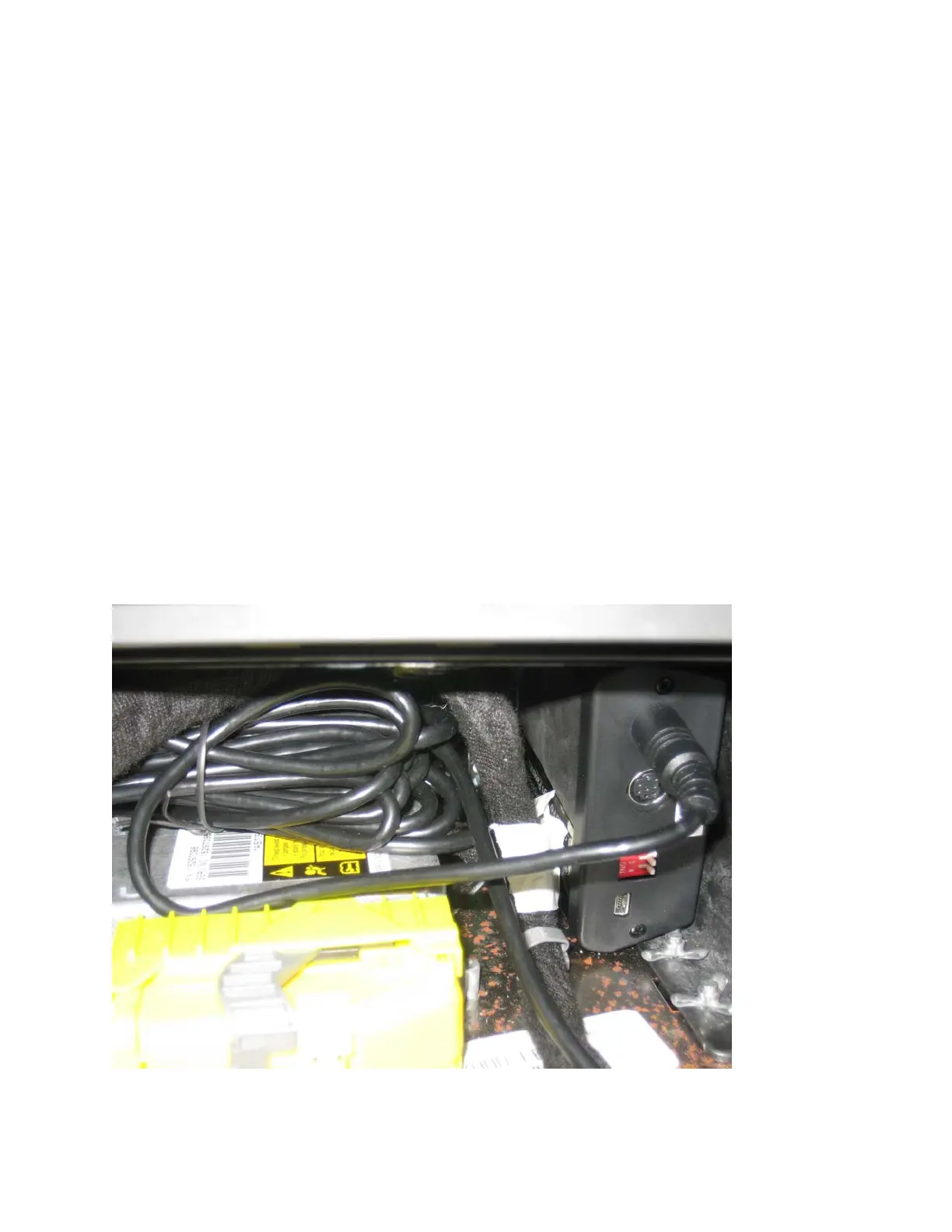
Once I confirmed the functionality of the PXAMG, I finalized its installation as shown here with Velcro



 To Next Page
 Loading...