StroboStomp HD Plastic LCD Cover Replacement
*Before anything, make sure you are wearing gloves to avoid leaving any ngerprints or smudges on the LCD and LCD cover*
4
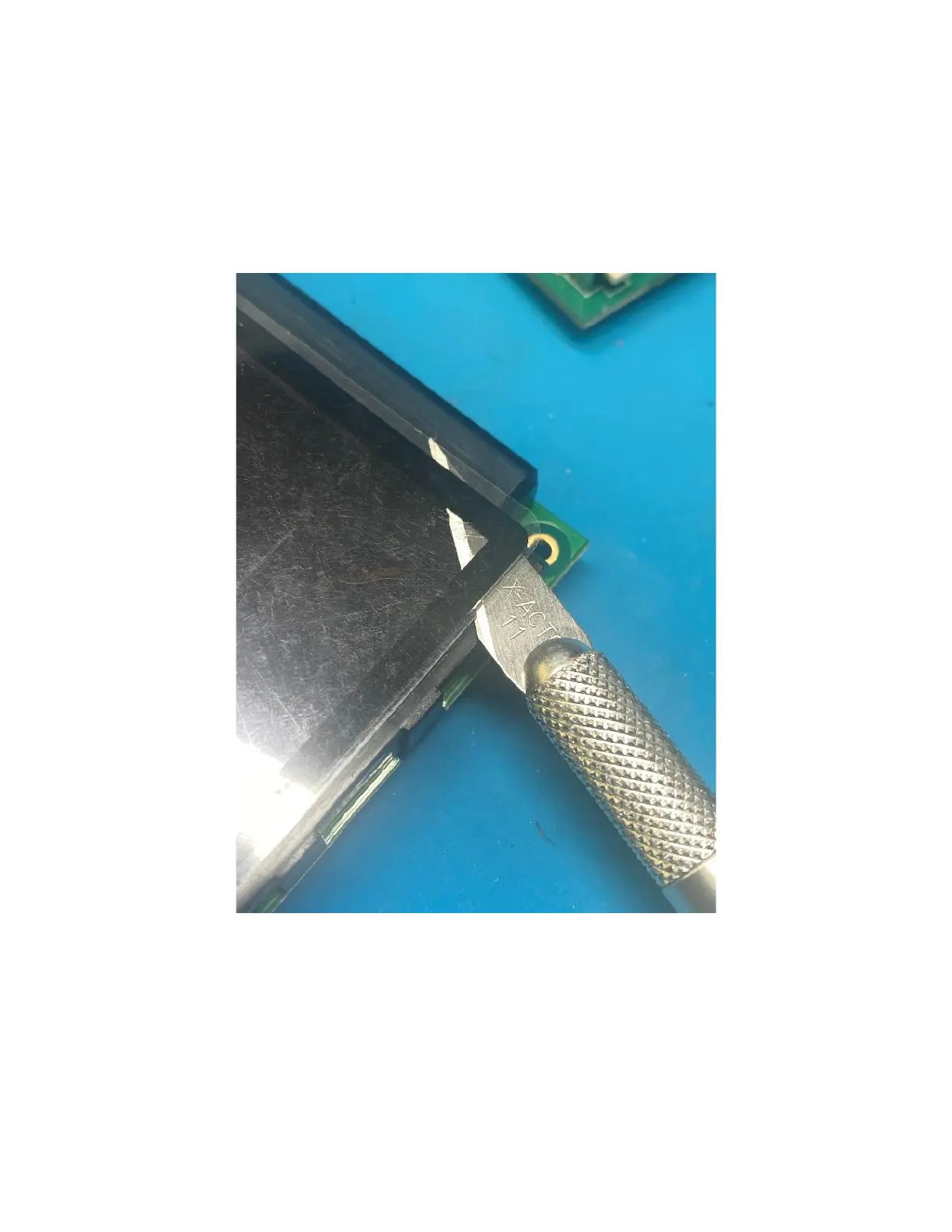
Using a sharp knife or plastic spudge, carefully remove the plastic screen cover and be
carefully not to damage the actual display. Carefully clean excess adhesive o and avoid
damagin the display.
Once removed, carefully take the new screen cover and place it as accurately as possible
since it will need to t back into the chassis.



 To Previous Page