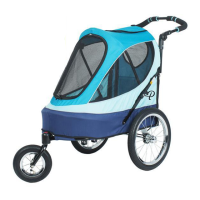
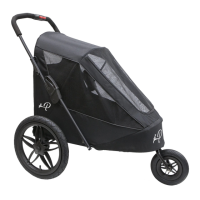
Parts
Copyright © 2019, Petique, Inc., All Rights Reserved.
|
4
|
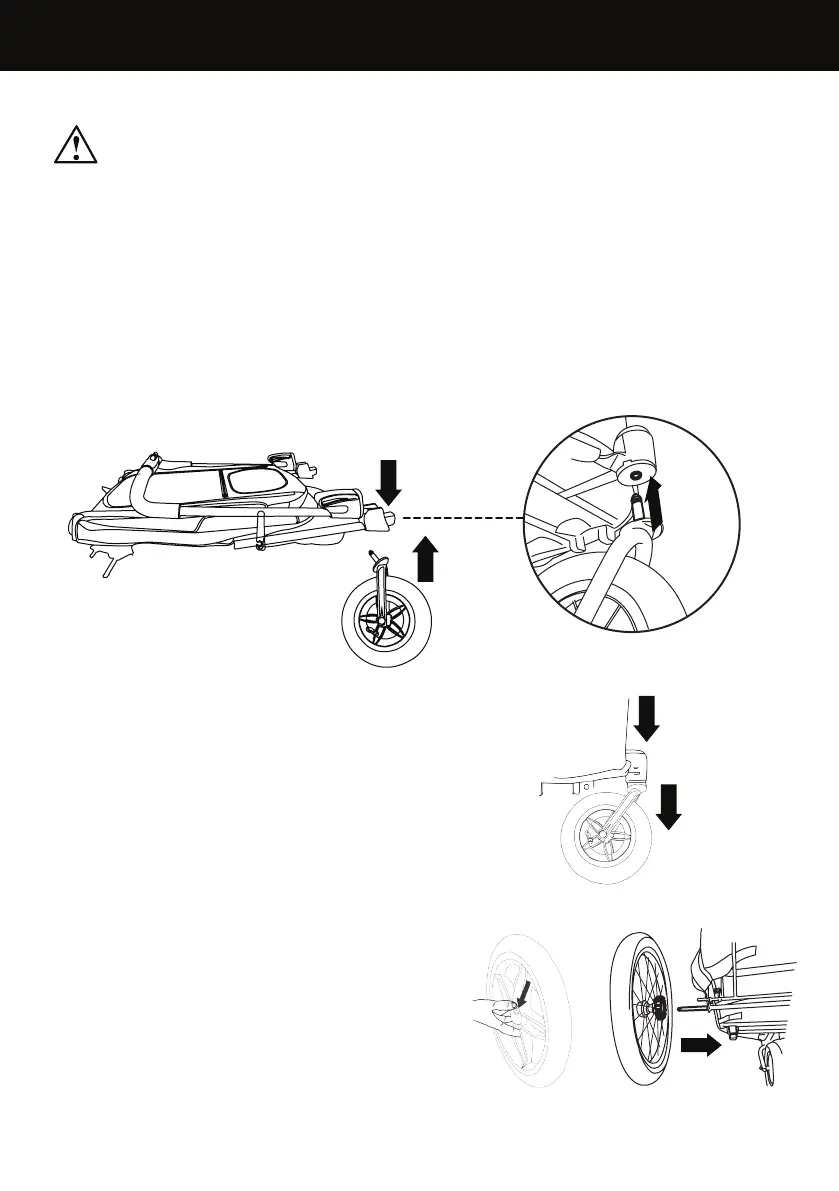
1. Push and hold the red button on top of the front wheel post and insert the front
wheel assembly into the bottom of the front wheel post until the spring clip
clicks (Fig. 1). NOTE: pull onto the wheel assembly to ensure that it is securely
locked and attached to the stroller.
WARNING: Please follow all of these instructions to
ensure the safety of your pet. Failure to follow these instructions
could result in serious injury or death.
FRONT WHEEL
Push
and Hold
Push
and Hold
Insert
Out
2. REMOVE: To remove the front wheel, push
and hold the button on top of the front wheel
post and pull the wheel out (Fig. 2).
REAR WHEELS
3. Push the button at the center of the wheel
down (Fig. 3a) and hold push the rear wheel
into the rear frame hub until the spring clip
clicks (Fig. 3b). NOTE: pull onto each rear
wheel assembly to ensure that it is securely
attached to the stroller.
Fig. 1
Fig. 2
Fig. 3b
Fig. 3a


 To Next Page