18
Battery Status Notification
Every time you turn the headset on, you will
hear the battery status notification. There are
3 battery levels reported:
“Battery High”: 100% to 66% battery life
“Battery Medium”: 66% to 33% battery life
“High-low beep”: 33% to 0% battery life
While the headset is already turned on, you
can trigger the battery status notification
manually by briefly pressing “+” and “-” at
the same time.
The headset will start to report low battery
automatically, once the battery life reaches 5
to 10 minutes before automatic shutdown.
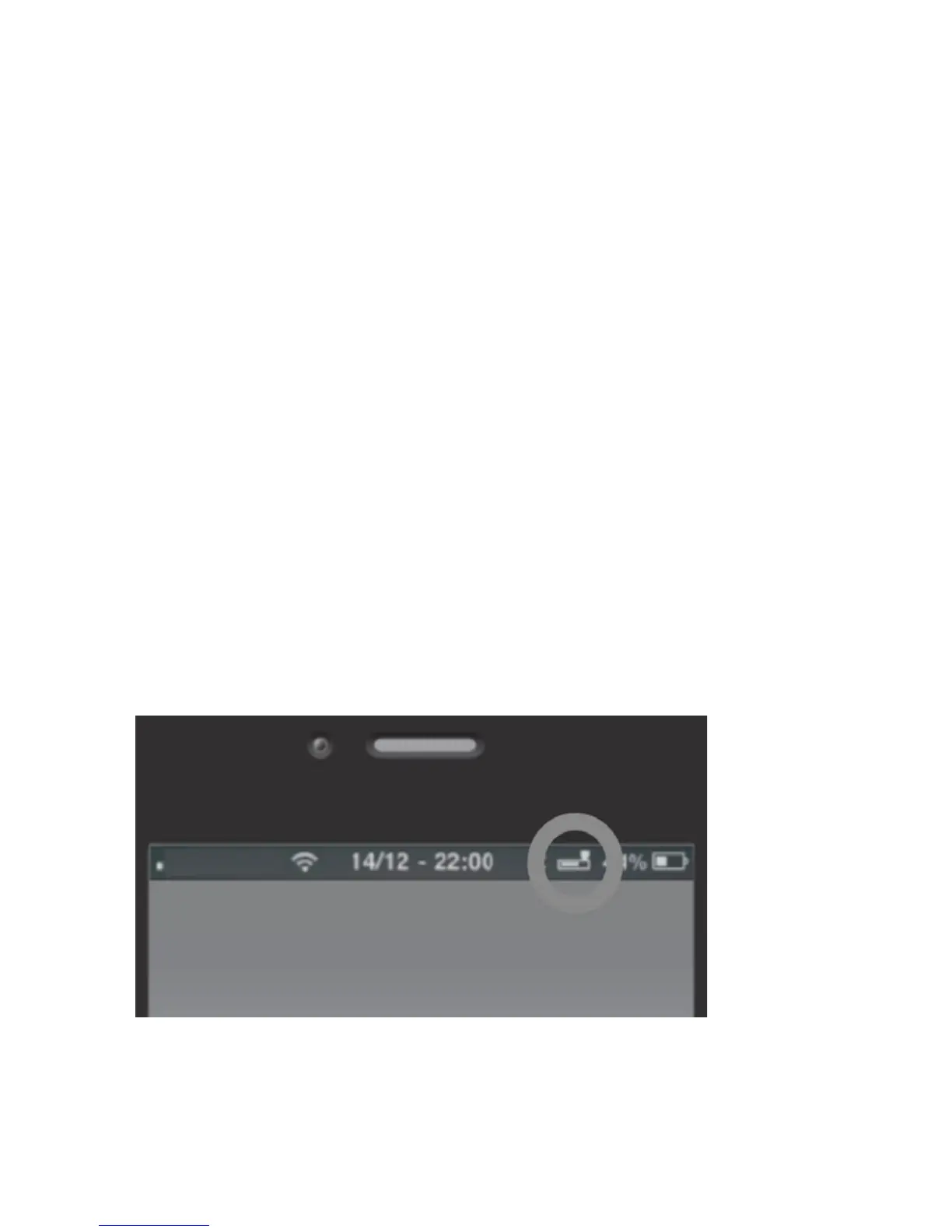
On iOS and some Android devices, you
will be able to see the battery level of the
headset in the upper right corner near the
Bluetooth-symbol.



 To Next Page