4. Watcher -> Push Transfer Sample
• A “Task Message” window will open. Press Yes to confirm sample
transfer.
• Gate valve (V1) will open. Wait until white line has moved to “open”
position on gate valve to confirm before moving sample.
• Another “Task Message” window will open prompting to insert
sample. Carefully push transfer rod into chamber by grasping
black handle and sliding it until the stop position. Push OK on Task
Message Window. Sample should be on fork, positioned just
above the stage in the main chamber.
5. Summitt -> Push Up [Z] in the “Intro” dialog box. The stage will move Z
upward to grab the sample holder. The “Intro” dialog box will indicate that
the stage is moving.
6. If the stage has successfully grabbed the sample and is no longer moving,
carefully pull the transfer rod out of the chamber to the stop position.
7. The gate valve (V1) will automatically close.
If stage is not aligned to the sample correctly, and a problem arises
during Up [Z], push Abort in the “Intro” dialog box and manually
drop Z. To drop Z: Summitt “Image” Window-> type a small
number in the Z(mm) box on the “Stage” tab and push Move.
Contact a lab manager for help.
8. Summitt -> In the “Intro” dialog box, push Set (Sample Inf.) to update
sample thickness and holder size, thereby enabling collision protection for
the extractor lens and good Z-height alignment. Push OK to close box.
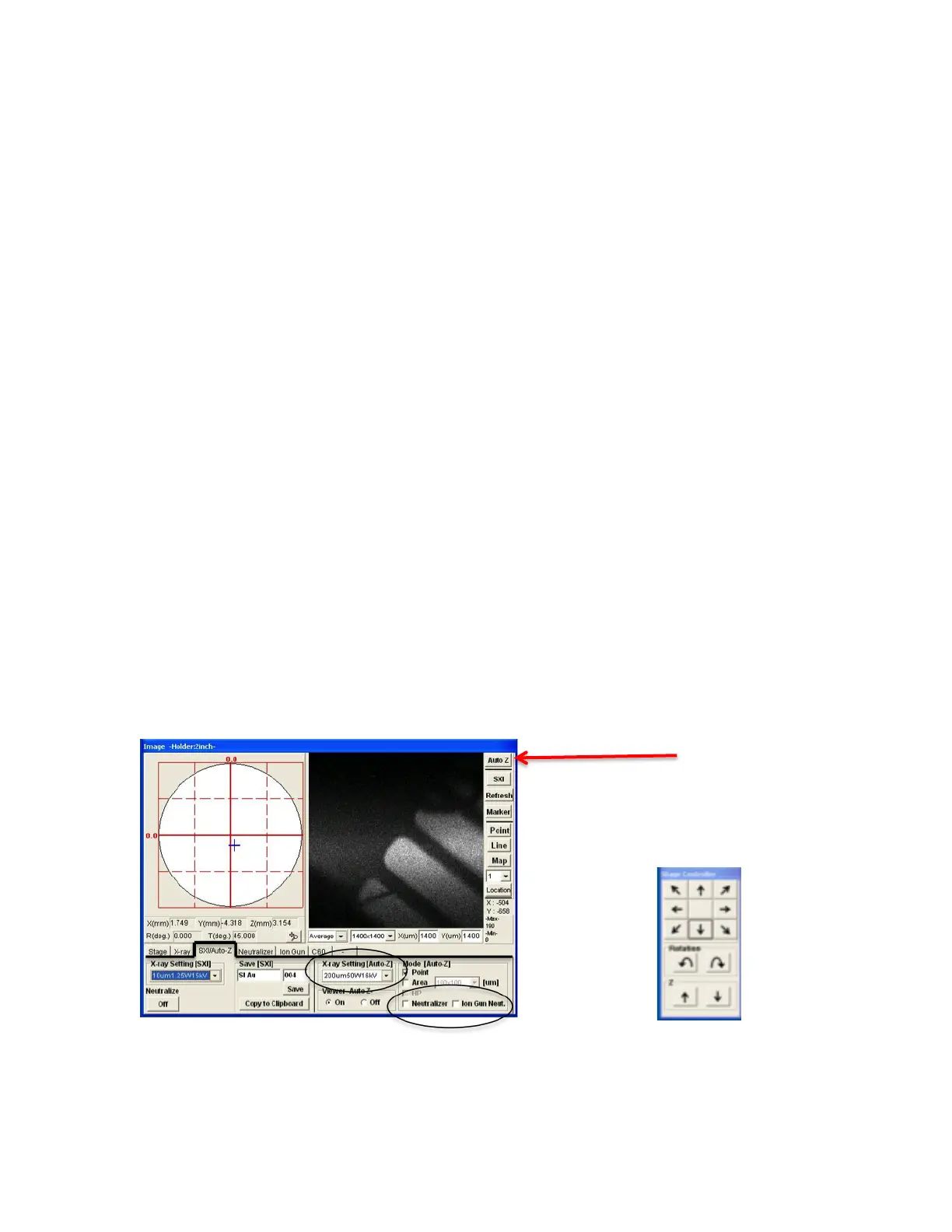
FIG 3: Summit “Image” Window, Auto Z FIG 4: Stage Controller


 To Next Page
 Loading...