11
How to swing
3. Hold the address position until the Ready sign appears on the app.
4. Swing the club when the Ready sign appears. The Ready sign appears on the app screen
with a tone, and the status LED of the product maintains the On position.
(During Ready, even a small practice swing can be recognized as an actual swing.)
5. If a swing is not recognized, a retry sign appears on the app screen.
Take the address, and swing the club following the Ready sign.
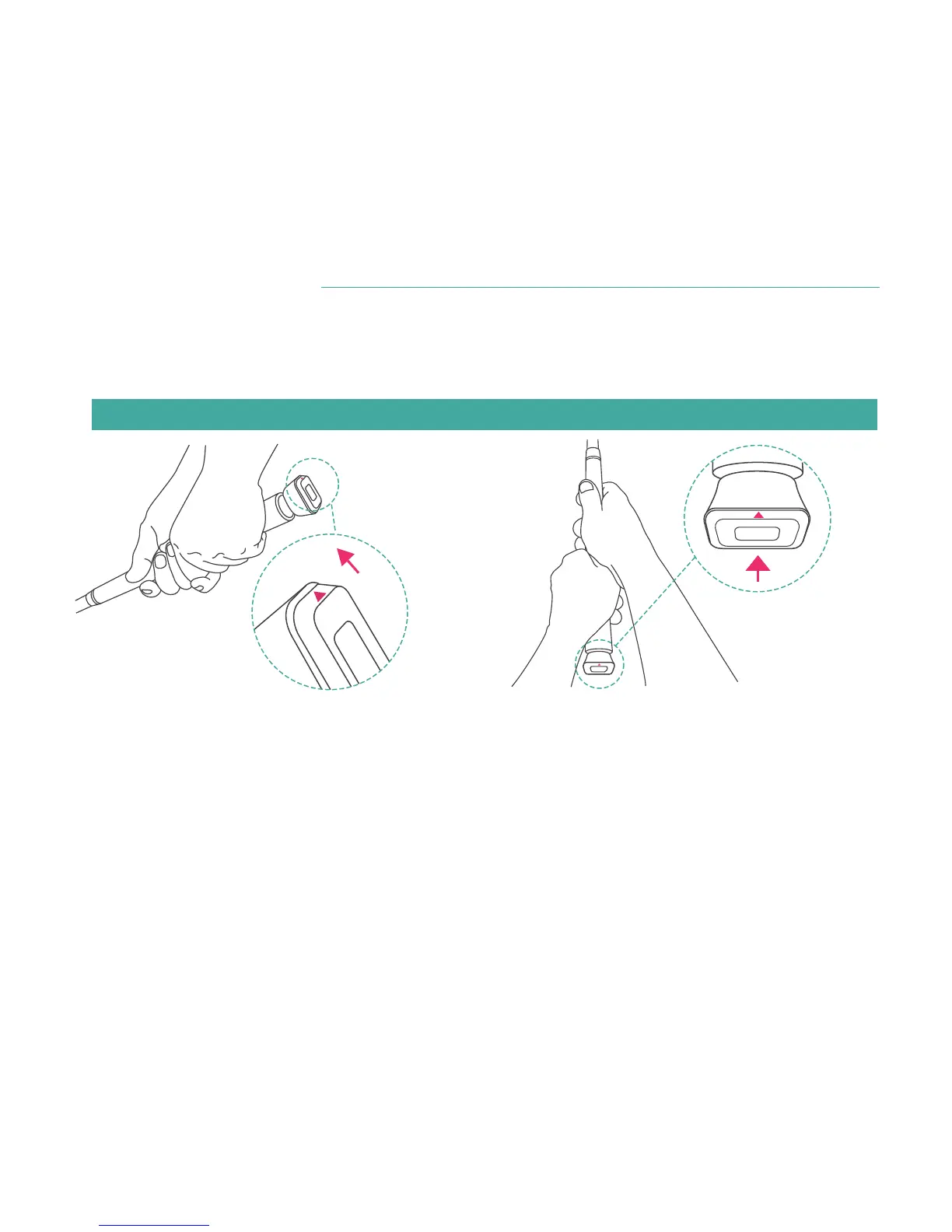
1. When the avatar appears on the screen, take the address with the club or the swing stick
with the product.
2.
Direction: Place the direction marker (arrow) on the product to 12 O'clock.


 To Next Page