7
• If no connection can be established, the
parent unit beeps and the out-of-range
image appears on the display.
4.1 Positioning the baby
monitor
B Warning:
Keep the baby unit out of the reach of the baby.
Never place the baby unit inside or mount it on
the baby’s bed or playpen.
D
Note:
If you use a cordless phone, wireless video, Wi-Fi
network, microwave oven or Bluetooth on 2.4Ghz
and you experience interference on either the
parent unit or baby unit, move the parent unit
further away until there is no more interference.
1 For optimal sound detection, place the baby
unit at least 1 metre (3.5 feet) away from
your baby, but no further than 1.5 metres
(5 feet) away.
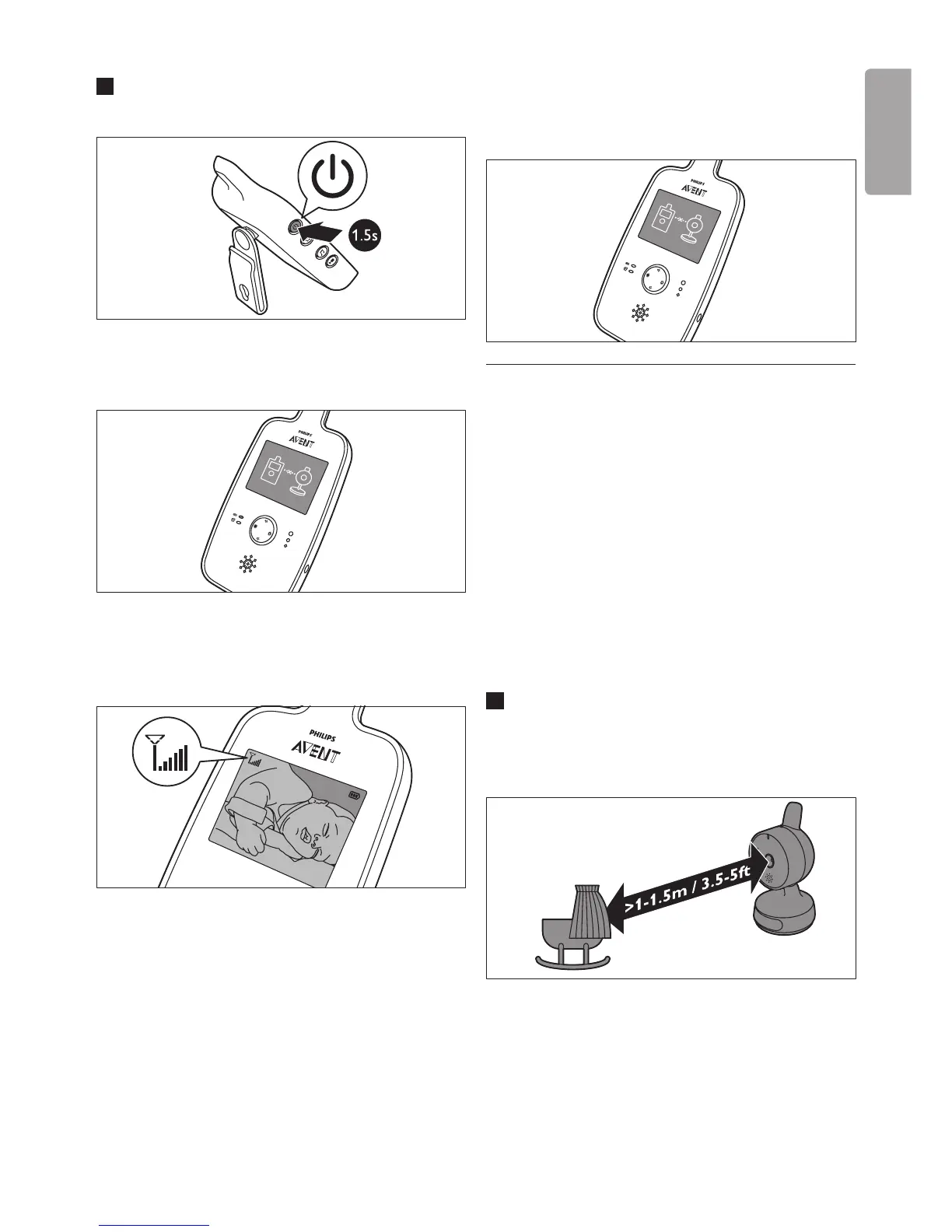
3 Press and hold the on/off button on the
parent unit.
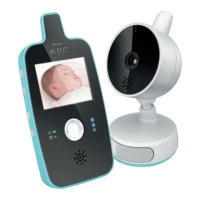
• The video display goes on and the linking
image appears on the display.
• When a connection has been established,
the baby is shown on the video display and
the signal strength symbol appears.
E
Tip:
Find out what the best position is for
the parent unit by looking at the signal
strength symbol. The number of stripes
indicates the quality of the connection.
ENGLISH



 To Next Page