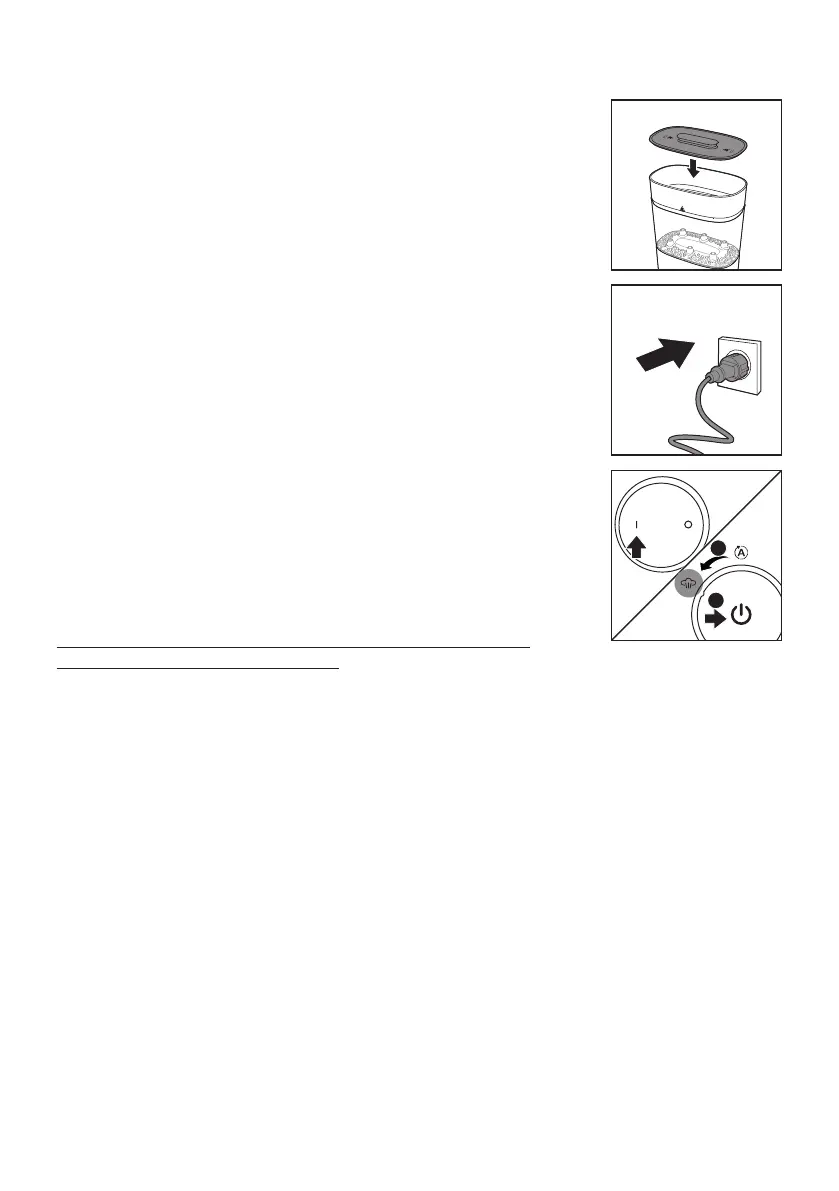
5 Place the lid on top of the small basket.
6 Put the plug in the wall socket.
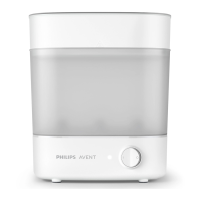
7 SCF291: Press the power on button to switch on the
appliance.
SCF293: Turn the on/o button to “Sterilize” mode. Then
press it to switch on the appliance.
Note: If you plug in the appliance after you have pressed the
power on button, the sterilizer starts working immediately.
You can switch it o by pressing power o button.
Caution: The base, the baskets and the lid become hot
during or shortly after operation.
SCF291
SCF291
• The on/o indicator light lights up to indicate that the appliance starts sterilizing.
• When the sterilization process is nished, the light goes o and the appliance
switches o automatically.
SCF293
• The entire progress indicator lights ash to show the appliance is sterilizing.
• When the sterilization process is nished, the lights go o and the appliance
switches o automatically.
• You can turn the on/o button to “Dry” mode to dry the appliance. It takes
approximately 30 minutes to complete the drying cycle.
8 After the appliance has cooled down completely, remove the lid, the small
basket, the bottom plate, the large basket and wipe them dry.
Note: When you remove the large basket from the base, be aware of the remaining
water on the base drip tray.
9 Let the appliance cool down completely for approximately 10 minutes before
you use it again.
Note: The appliance does not work for 10 minutes after a sterilizing cycle. It needs
to cool down rst.
10
English


 To Next Page
 Loading...