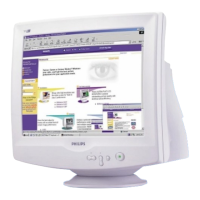
1. D-Sub Port - Attach the D-Sub connector that comes with your monitor here.
Other end connects to your PC.
2. Power in - Attach power cable here.
3. USB Port - Attach your USB Upstream cable here. Connect the other end to
your USB hub or your PC's USB connector. (Not available on all models.)
4. BNC Connectors - Attach the connectors here to get the best video
performance from your monitor.
RETURN TO TOP OF THE PAGE
file:///G|/manual/english/107P/install/install.htm (3 of 3) [10/16/1999 6:29:54 AM]



 To Next Page
 Loading...